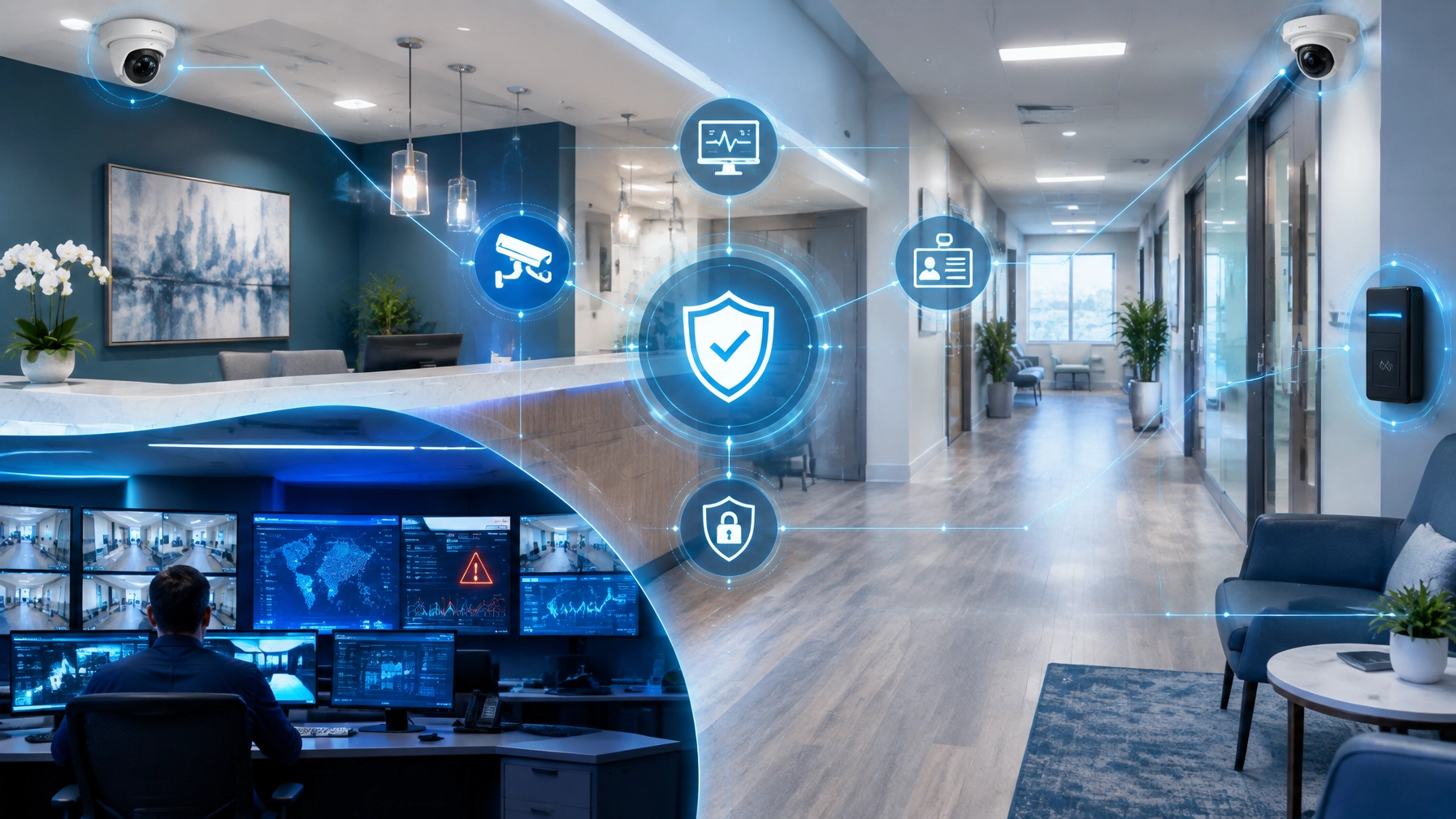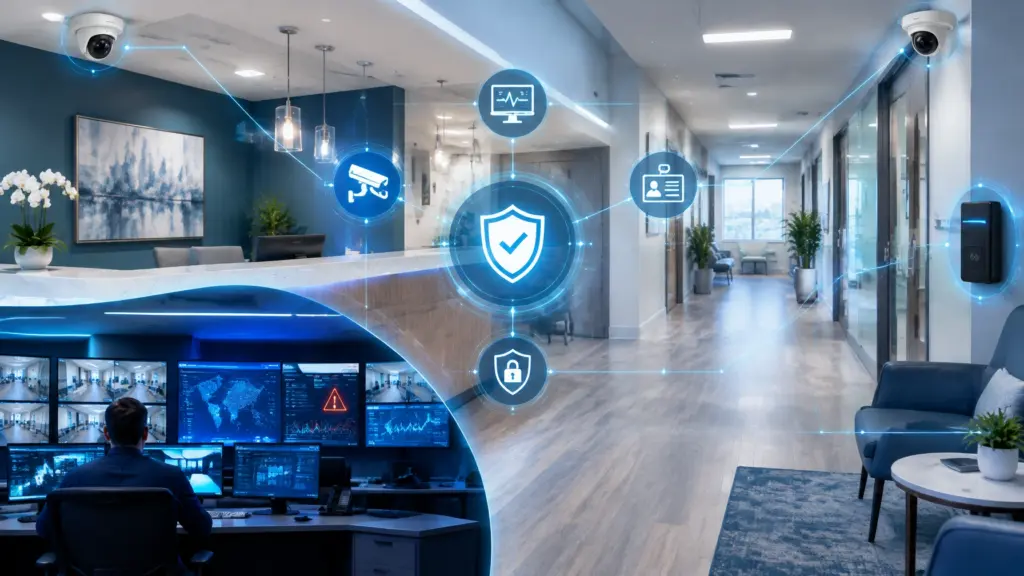
A medical or dental practice does not operate in separate “physical,” “IT,” and “cybersecurity” worlds. Your front entrance, patient records, Wi-Fi network, cameras, access-control readers, workstations, cloud applications, and staff procedures all influence one another.
That is why healthcare practices in Michigan need more than isolated tools. They need a connected security strategy that identifies risks early, coordinates responses, and protects patients, staff, property, and sensitive information from every angle.
This is the foundation of the 360-Degree Practice: physical security, managed IT, and cybersecurity working as one integrated system.
As you review the lessons from this week’s focus on AI video surveillance and physical security, use this article as the capstone. The goal is not simply to install more cameras or add another security subscription. The goal is to create a resilient practice where every protective layer supports the next.
“The strongest security system is not a collection of disconnected tools. It is a coordinated process that helps people make better decisions sooner.”
Begin With the Practice as One Connected Environment
Start your assessment by looking at how your practice actually functions.
Patients enter through a main door, check in at the front desk, connect with staff, and move through clinical areas. Employees use computers, electronic health record systems, cloud applications, printers, phones, and medical devices. Security cameras monitor entrances, parking areas, hallways, and other designated locations. Access-control systems determine who can enter staff-only rooms, records areas, supply closets, or server spaces.
Each of these systems creates information and risk.
A door forced open after hours may be a physical security event. An unusual login from a workstation near that door may be a cybersecurity event. A camera that suddenly stops communicating with the network may be a managed IT issue: or a warning that someone has tampered with the device.
When these events are handled separately, important connections can be missed. When they are evaluated together, your team gains a clearer picture of what is happening and how to respond.
Use this integrated perspective to identify:
- Which entrances, parking areas, and interior spaces require visibility
- Which rooms contain sensitive records, medications, equipment, or network infrastructure
- Which users and devices can access critical systems
- Whether cameras, access-control devices, and network equipment are properly secured
- How your team will respond when physical and digital incidents occur at the same time
This assessment gives you the foundation for a practical 360-degree security plan.
Use Intelligent Surveillance as the Physical Security Layer
Next, evaluate what your surveillance system can do before, during, and after an incident.
Traditional cameras primarily record what happened. Modern Axis solutions can help practices improve situational awareness with network cameras, intelligent analytics, audio, access control, and centralized video management. According to Axis healthcare security guidance, network solutions can help healthcare organizations identify unexpected activity, alert the right people, and use recorded events to improve future safety procedures.
For a medical or dental office, appropriate use cases may include:
- Monitoring entrances and parking areas
- Improving visibility in waiting rooms and reception areas
- Detecting after-hours activity in restricted spaces
- Verifying access to staff-only rooms or records storage
- Reviewing incidents involving property damage, disputes, or safety concerns
- Supporting staff response when unusual activity occurs
Be intentional about placement. Cameras should support safety and accountability without unnecessarily capturing private treatment details or areas where patients reasonably expect privacy. Establish written policies for camera placement, access to footage, retention, and disclosure.
For many practices, a unified platform such as AXIS Camera Station Pro can help bring video management and access control into one operational view. The platform supports private network deployments with optional cloud connectivity, live viewing, recorded video search, access-control management, event review, and system health monitoring.
Use these capabilities to move from passive recording to proactive awareness. This is where surveillance becomes more than a camera system. It becomes The Intelligent Sentry: a watchful layer that helps your team notice developing problems and respond with better information.
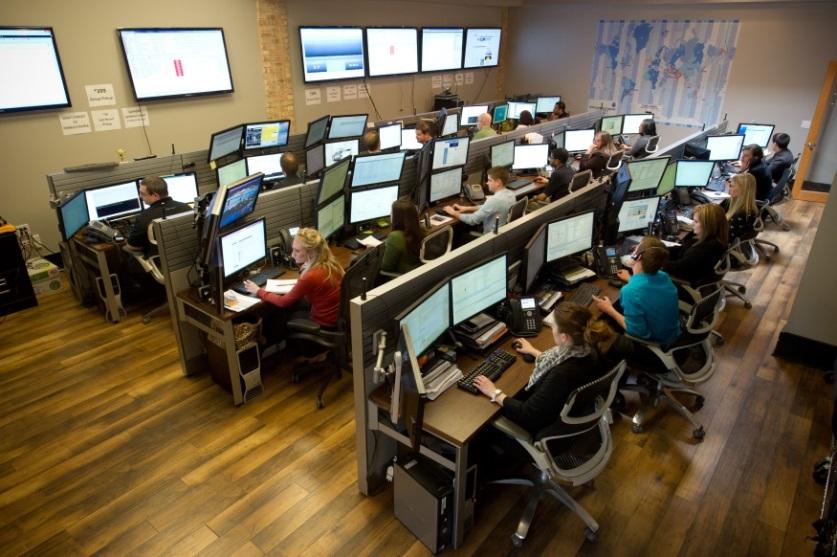
Connect Cameras and Access Control With Managed IT
This is where managed IT services become essential.
Your security cameras and door controllers are network-connected devices. They rely on switching, power, bandwidth, storage, authentication, firmware, and reliable connectivity. If no one monitors those dependencies, a security system can appear to be installed while quietly becoming unreliable.
Use managed IT to maintain the infrastructure that physical security depends on. A proactive provider should help you:
- Segment cameras and access-control devices from everyday office traffic
- Monitor device availability and network performance
- Manage firmware and security updates
- Protect administrative accounts with strong authentication
- Maintain reliable backups and recovery procedures
- Review storage capacity and video retention settings
- Document device ownership, locations, and configuration
- Troubleshoot outages before they become extended blind spots
ClearPath360’s Managed IT Services approach includes proactive monitoring, helpdesk support, network optimization, cloud services, backup, patch management, and disaster recovery. That foundation helps your practice keep technology reliable while reducing the burden on office managers and clinical staff.
The connection is straightforward: cameras need a healthy network, the network needs secure management, and your staff needs dependable access to the tools that help them care for patients.
Do not treat surveillance maintenance as an occasional repair task. Include it in your everyday technology management plan, and your security investment will remain useful long after installation.
Add Cybersecurity to Protect the Security System Itself
Now examine the digital risks surrounding your physical security tools.
IP cameras, access-control systems, recorders, mobile apps, cloud platforms, and remote viewing portals all create possible entry points. Weak passwords, outdated firmware, exposed interfaces, poorly configured user accounts, or unsecured remote access can put both security operations and business systems at risk.
Protect these systems using the same disciplined approach you apply to other technology:
- Create unique administrative credentials. Do not rely on default usernames or shared passwords.
- Apply role-based permissions. Give front-desk staff, office managers, clinicians, owners, and service providers only the access they need.
- Secure remote access. Use strong authentication and encrypted connections for viewing or managing systems away from the office.
- Keep devices updated. Firmware and software updates can address known vulnerabilities and improve reliability.
- Separate sensitive systems. Use network segmentation to limit how far an intruder can move if one device is compromised.
- Monitor for unusual activity. Unexpected logins, disabled cameras, repeated access failures, or unusual data movement deserve prompt investigation.
- Review access regularly. Remove former employees, temporary users, and outdated vendor accounts without delay.
Your broader Cybersecurity Solutions should include prevention, detection, response, recovery, employee awareness, endpoint protection, secure remote access, and compliance support.
For practices handling protected health information, remember that technology alone does not guarantee compliance. Your policies, access decisions, retention practices, employee training, and vendor relationships also matter. Work with qualified professionals to align your controls with your obligations.
This layered approach is especially important for organizations looking for Genesee County cybersecurity support. A local practice may not have an internal security operations team, but it still needs continuous attention to threats, system health, and access behavior.

Coordinate Response Instead of Waiting for Separate Fixes
As you move toward implementation, write response procedures that connect physical and digital events.
For example, imagine that an access-control system reports an after-hours entry into a staff-only area. A coordinated response should not stop at reviewing the door log. Your team may also need to:
- Confirm the person’s identity and authorization
- Review nearby camera footage
- Check whether a workstation or server was accessed
- Examine network and account activity from the same time
- Preserve relevant video and digital logs
- Escalate the event according to your incident-response plan
- Document the outcome and any required policy changes
Likewise, if your cybersecurity team detects suspicious activity from a workstation, consider whether the device’s physical location, nearby camera footage, or access logs provide additional context.
Use regular tabletop exercises to practice these scenarios. Include the practice owner, office manager, IT provider, security stakeholders, and employees with response responsibilities. Keep the exercises practical: Who receives the alert? Who verifies it? Who contacts law enforcement or a vendor? Who communicates with staff? Who preserves evidence?
The purpose is not to create fear. It is to replace confusion with preparation.
“Prepared organizations do not assume every incident can be prevented. They prepare to recognize, contain, and recover from incidents quickly.”
Build the 360-Degree Practice With One Accountable Partner
A complete strategy becomes easier to maintain when one partner understands how the pieces fit together.
ClearPath360 brings together 360° Surveillance & Security Systems, managed IT, and cybersecurity rather than treating each service as an isolated project. That means your practice can plan camera placement alongside network design, access control alongside identity management, and incident response alongside backup and recovery.
The benefit is accountability. Instead of asking one vendor about a camera outage, another about a network issue, and a third about suspicious access, you have a coordinated team that can investigate the full environment.
This approach also supports growth. As you add providers, locations, staff, devices, or telehealth services, your security plan can expand with the practice instead of becoming a collection of disconnected fixes.
If you want to explore the transition from reactive support to proactive protection, review ClearPath360’s guide on integrating physical security with cybersecurity. You can also revisit the earlier discussion of AI-powered surveillance to evaluate where intelligent detection may provide the most value.

Take the Next Step Toward Proactive Protection
Begin with a conversation and a complete assessment: not a rushed equipment purchase.
Ask your technology and security partner to map your practice’s physical spaces, connected devices, access permissions, network dependencies, data-protection requirements, and response procedures. Then prioritize the gaps that could create the greatest operational, safety, privacy, or compliance impact.
The 360-Degree Practice is not defined by how many cameras you install or how many security tools you subscribe to. It is defined by how well those tools work together, how quickly your team can understand an event, and how consistently your systems are maintained.
That is the ClearPath360 difference: proactive protection, transparent communication, certified expertise, and a security strategy built around the whole practice.
When physical security, managed IT, and cybersecurity operate as one, your team gains more than visibility. You gain confidence that your practice is prepared to protect patients, support staff, preserve continuity, and keep moving forward.