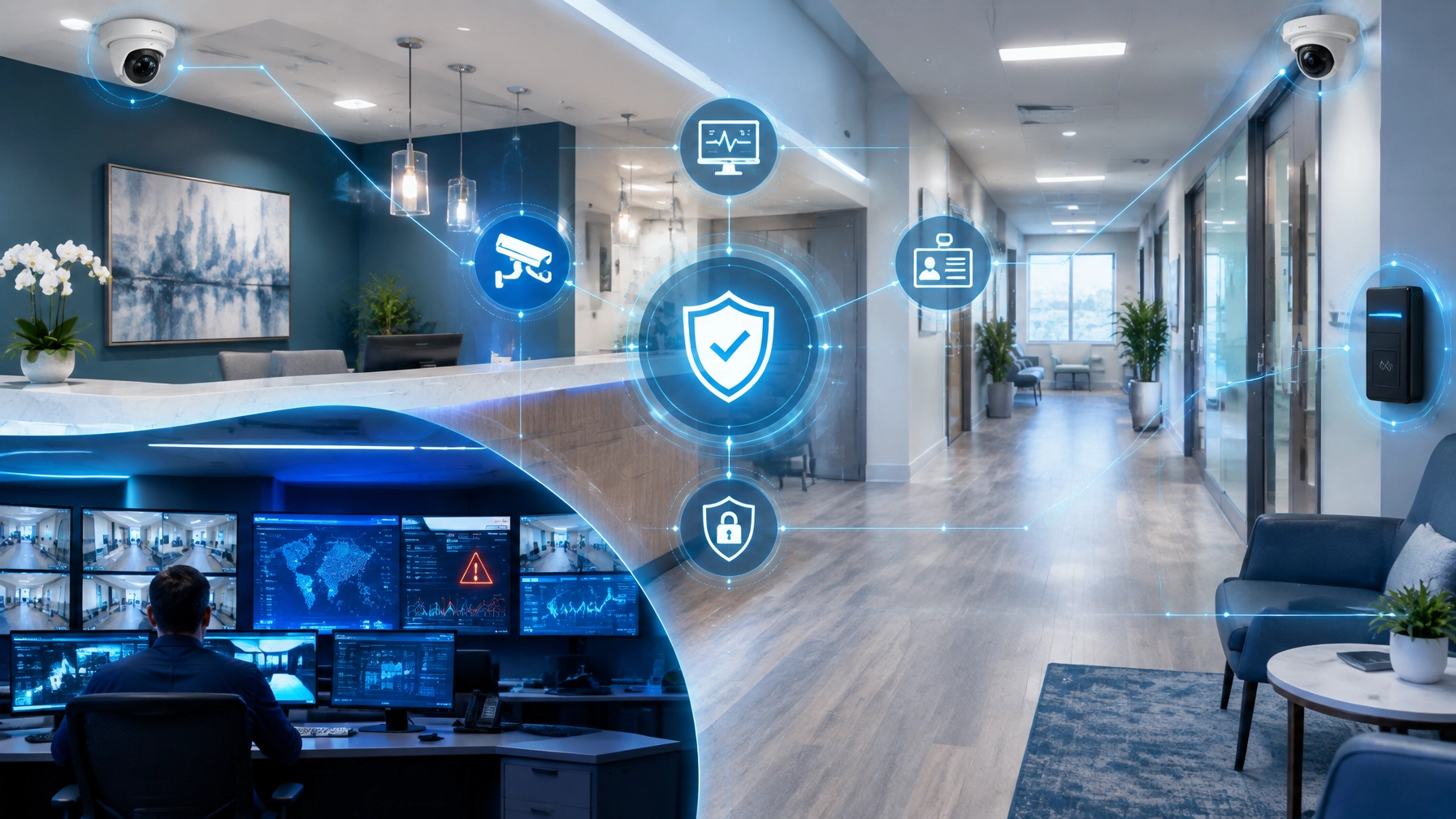
A growing medical or dental practice should not have to manage security one office at a time. When your organization operates across multiple Michigan locations, each site may have its own cameras, recording equipment, network, access permissions, and storage requirements. Without a centralized strategy, oversight becomes fragmented: and important details can be missed.
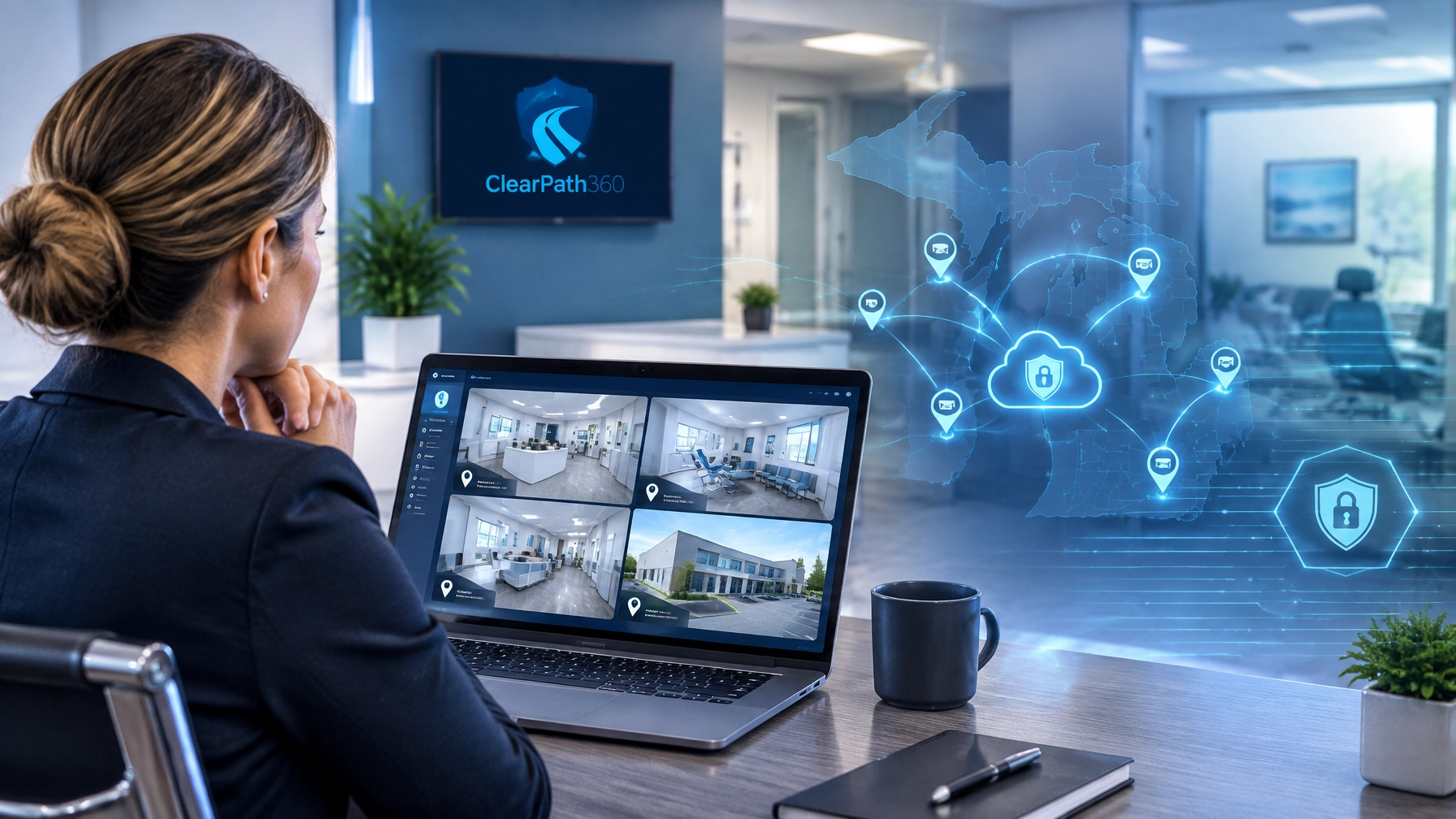
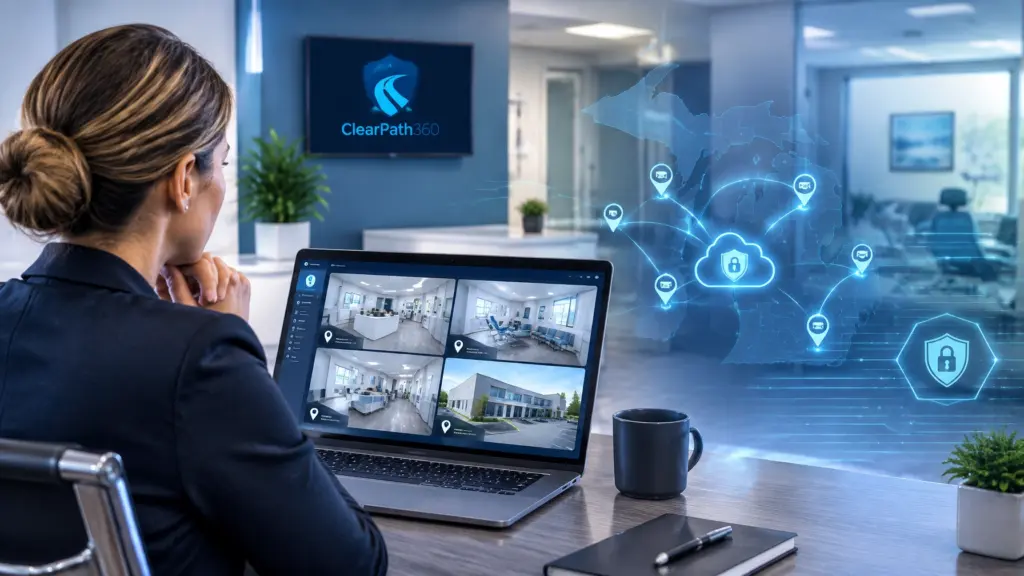
This is where cloud video surveillance can provide practical value. With the right platform, authorized practice owners and managers can view multiple offices from one dashboard, access live or recorded video remotely, search footage intelligently, and manage retention without maintaining a separate surveillance system at every location.
ClearPath360 combines cloud surveillance, managed IT services, cybersecurity, and physical security into one 360-degree approach. The goal is not simply to install cameras. The goal is to help your practice build a dependable, secure, and scalable environment that supports patients, staff, assets, and operations.
“When every location contributes to one clear security picture, your practice can respond with greater confidence: and spend less time searching for answers.”
Begin With One View of Every Practice Location
Use this section to evaluate whether your current system gives decision-makers the visibility they need. Traditional systems often require managers to sign in to separate recorders or visit each office to review video. That process may work for a single location, but it becomes inefficient as your practice expands.
A cloud-based video management system can bring cameras from multiple offices into one centralized interface. Authorized users may be able to create custom layouts, switch between locations, and review relevant feeds from a computer, tablet, or mobile device.
For a medical or dental practice, this centralized view can support several everyday needs:
- Checking entrances and reception areas before or after business hours
- Reviewing activity near medication, equipment, or supply storage
- Confirming that a remote office is operating normally
- Supporting regional managers who oversee multiple teams
- Investigating incidents without traveling to the affected location
- Maintaining consistent security practices across offices
Eagle Eye Networks describes its cloud video surveillance platform as capable of supporting multiple locations, cameras, and users through a cloud-managed system. You can learn more through the Eagle Eye Cloud VMS overview.

Use Remote Access to Keep Oversight Moving
As you move toward a more connected security program, examine how often your team needs to be physically present to check video. Practice owners may be managing operations from another office. Office managers may be traveling between locations. IT and security providers may need to review system health without waiting for an on-site appointment.
Remote access helps authorized users stay connected from wherever business takes them. A manager can review live video, look at historical footage, or share a relevant clip with the appropriate internal contact. This can be especially useful when weather, staffing demands, or distance make immediate travel difficult.
However, remote access must be managed carefully. Convenience should never replace control. Begin by defining:
- Who needs live video access?
- Who may review or export recordings?
- Which locations should each person see?
- How quickly should access be revoked when roles change?
- What authentication requirements should apply?
Use role-based permissions and multi-factor authentication whenever available. Keep access limited to legitimate business needs, and review user permissions regularly. This is where cloud surveillance becomes part of a broader medical office security strategy rather than a standalone camera installation.
Search Incidents Without Scrubbing Through Hours of Video
A security system creates value only when your team can find useful information quickly. If a manager must manually review hours of footage from several locations, even a well-recorded incident can become difficult to investigate.
AI-driven security surveillance can help shorten that process. Depending on the platform and configuration, smart search tools may allow users to search for a person, vehicle, object, time range, or location using natural-language descriptions. Instead of reviewing every minute of footage, an authorized user may be able to narrow the search to relevant events.
For example, a practice manager might need to investigate:
- An unfamiliar person near a restricted entrance
- A vehicle present after normal operating hours
- A delivery made during a specific time window
- Activity near a supply room
- A staff or visitor movement connected to an incident report
Treat AI search as an investigation aid: not as a replacement for sound judgment, documented procedures, or human review. Set clear expectations for how video is reviewed, who approves exports, and how evidence is preserved.
Eagle Eye’s cloud video surveillance features include tools designed to make video management, search, analytics, and access more efficient across distributed environments.
Protect Video With Encryption and Thoughtful Retention
Use this section to address one of the most important concerns for healthcare organizations: video is sensitive information, and it must be protected accordingly.
Your practice should ask how video is encrypted during transmission and while stored. You should also ask where recordings are retained, how access is logged, and whether retention can be configured by location or camera. A secure platform should support strong access controls and reduce unnecessary exposure.
Eagle Eye Networks highlights encrypted video transmission and storage, privacy protections, and cloud-managed security controls. ClearPath360’s 360° Surveillance & Security Systems service also emphasizes remote access, analytics, system health monitoring, storage management, and support for HIPAA-related security and documentation needs.
Remember that technology alone does not create compliance. Your practice must also establish appropriate policies for camera placement, access, retention, disclosure, and incident response. Avoid placing cameras where patient privacy could be compromised, and work with qualified advisors when interpreting regulatory or legal requirements.
Choose retention based on your documented needs rather than storing everything indefinitely. Consider:
- Incident investigation timelines
- Insurance recommendations
- Internal policy
- Legal or contractual requirements
- Available storage capacity
- The sensitivity of the monitored area
“Secure retention is not simply about keeping more footage. It is about keeping the right footage, for the right reason, with the right safeguards.”
Build Surveillance Into Your Managed IT Strategy
A cloud camera platform still depends on technology infrastructure. Cameras need reliable connectivity. Network equipment needs monitoring. User accounts need protection. Firmware and software require updates. If the system loses connectivity or becomes misconfigured, your visibility may disappear when you need it most.
This is why surveillance should connect to your broader IT and cybersecurity plan. ClearPath360’s managed IT services include proactive monitoring, network optimization, help desk support, patch management, cloud services, and backup planning. Those capabilities can help create a stronger foundation for dependable video surveillance.
Your security plan should address:
- Network segmentation for cameras and related devices
- Secure remote access
- Firewall and endpoint protection
- Firmware and software updates
- Backup connectivity where appropriate
- Alerting for system or camera failures
- User onboarding and offboarding
- Documentation for every location
Pair these controls with ClearPath360’s 360° Cyber Protection to help protect both digital and physical security systems. The result is a more complete approach: monitor the cameras, secure the network, control access, and maintain the environment over time.
Scale the System as Your Practice Grows
As you move toward expansion, avoid selecting a surveillance system that becomes difficult to manage after your next acquisition or office opening. A scalable platform should allow you to add locations, cameras, users, and retention capacity without rebuilding the entire system.
Cloud video surveillance can support growth by centralizing management while allowing each office to retain appropriate local configuration. This may help your practice:
- Add a new location to the same management environment
- Standardize user permissions across offices
- Increase coverage in high-priority areas
- Adjust retention as operational needs change
- Support regional or corporate oversight
- Use existing compatible cameras where practical
Begin with a security assessment of your current locations. Map entrances, waiting areas, hallways, parking zones, medication or equipment storage, and other sensitive areas. Then identify gaps, network requirements, retention needs, and access roles before selecting equipment or subscriptions.
ClearPath360 can help connect that planning process to installation, maintenance, cybersecurity, and ongoing support. As an Eagle Eye Networks authorized partner, we can help your organization evaluate how cloud-managed video fits into its broader technology environment.
Create One Practical Security Plan for Every Office
The strongest approach is not to treat each clinic as an isolated project. Create a repeatable standard for camera placement, network design, access permissions, retention, alerts, maintenance, and incident response.
Then adapt that standard to each location’s layout and risk profile. A busy dental office may need different coverage than a specialty medical clinic, but both should fit into a consistent management framework.
If your practice has multiple Michigan locations: or plans to add them: now is the time to review whether your surveillance system can provide centralized visibility, secure access, intelligent search, and dependable retention.
Contact ClearPath360 to discuss a 360-degree approach to cloud video surveillance, managed IT services in Michigan, cybersecurity, and physical security for your practice. As your organization grows, your security strategy should grow with it.