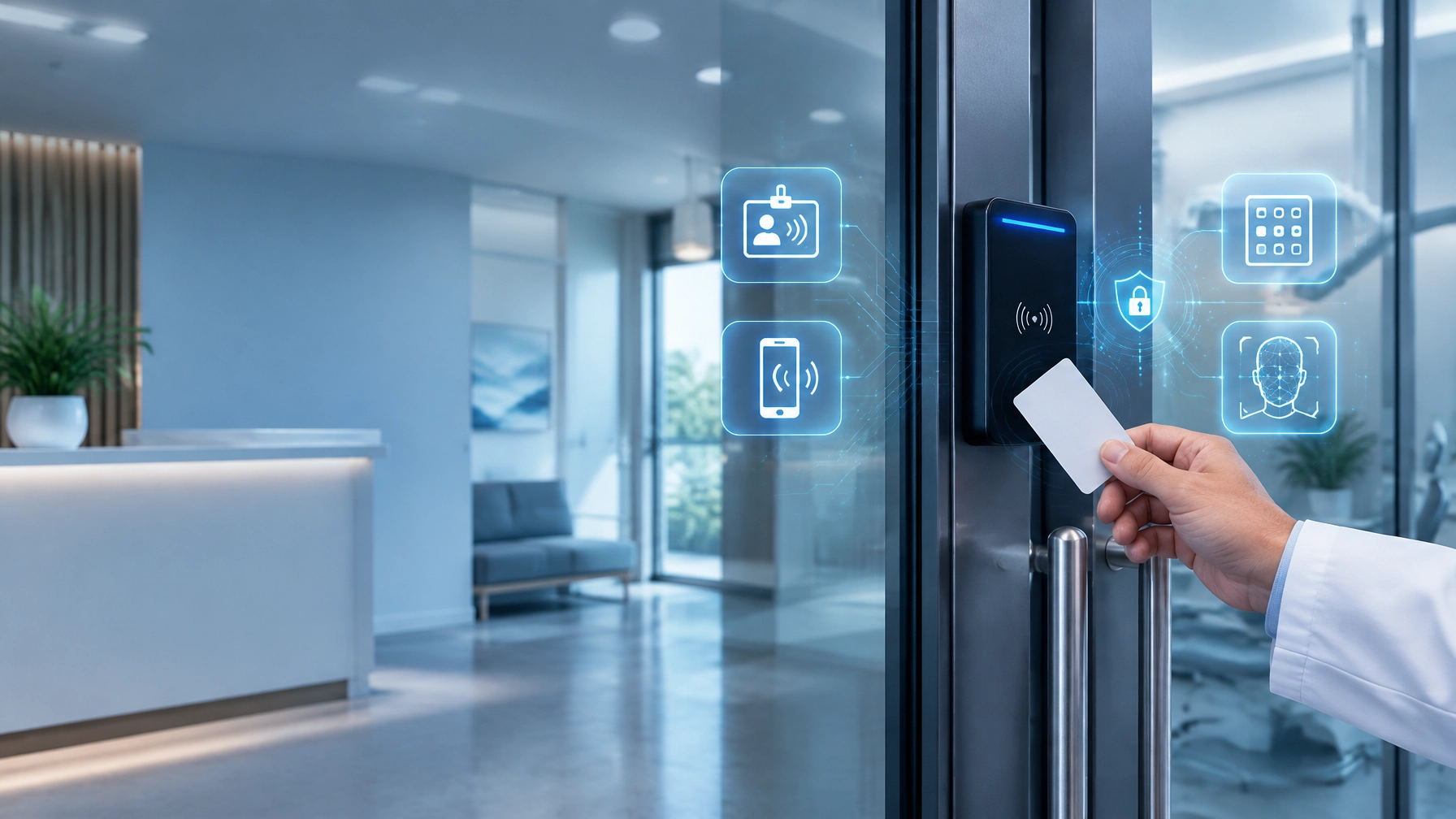
A camera on the wall may look like a physical security investment. In reality, it is also a network device, a software platform, a credentialed account, and a potential pathway into your business.
That is the central lesson of this week’s series, The Smart Building Blind Spot: Securing the Devices That Watch Your Business. Your cameras, access-control systems, video recorders, smart locks, and other connected building devices do not operate separately from cybersecurity. They depend on the same networks, identities, updates, and monitoring practices that protect your computers and data.
As Cybersecurity Awareness Month 2026 comes to a close, use this final perspective to bring the pieces together. The goal is not to buy more disconnected tools. The goal is to build one coordinated security system, with clear ownership, controlled access, and a partner who can see the entire environment.
“A secure building is not defined by how many devices it contains. It is defined by how well those devices work together.”
Start with the blind spot: every connected device is part of your security posture
Begin by looking beyond laptops, servers, and phones. Your security inventory should also include IP cameras, network video recorders, door controllers, badge readers, intercoms, alarm panels, environmental sensors, and any cloud services that manage them.
Each device has an operating system or firmware. Each may have administrative accounts. Each communicates across a network. Each can become outdated, misconfigured, or exposed to the internet.
This is especially important for small businesses and medical or dental practices. A compromised camera may expose more than video. It could provide an attacker with a foothold for probing other systems, collecting credentials, disrupting operations, or accessing sensitive areas.
For organizations handling protected health information, the issue also connects to HIPAA compliance. Cameras and access-control systems may not contain electronic protected health information themselves, but the networks, workstations, and cloud services surrounding them still require appropriate safeguards.
Use the first lesson from this week, IoT blind spots, to expand your asset inventory. Record each device’s location, owner, IP address, network segment, firmware version, support status, and business purpose. This simple step creates the foundation for everything that follows.
Recap the week: four controls that make integration practical
1. Eliminate the IoT blind spot
If your IT team does not know a device exists, it cannot patch, monitor, or protect it. Include physical security devices in the same asset-management process as computers and servers.
This does not mean your office manager needs to track every technical detail. It means someone must be accountable for maintaining accurate records and confirming that each device remains supported and securely configured.
2. Segment the network
Next, separate your camera and building systems from everyday business traffic. A dedicated camera VLAN can prevent a compromised camera from reaching accounting systems, electronic medical record systems, file servers, or employee workstations.
Use VLANs together with firewall rules and access-control lists. Permit only the traffic each device requires. For example, cameras may need to communicate with a video management platform, a monitoring service, or a time server. They should not have unrestricted access to the rest of your network.
Avoid treating segmentation as a one-time configuration. Review firewall rules when cameras are added, moved, replaced, or connected to new cloud services. Monitor for segmentation drift: the gradual accumulation of exceptions that quietly weakens your design.
The CISA Cybersecurity Awareness Month Toolkit emphasizes practical security habits that help organizations build resilience. For connected buildings, network separation is one of the most valuable habits you can put into practice.
3. Remove default credentials and monitor the edge
A camera that still uses a factory username and password is not a minor technical oversight. It is an avoidable security exposure.
Change default credentials before deployment. Use unique passwords or centralized identity where supported. Require multi-factor authentication for cloud portals and remote administration. Disable unused services and avoid exposing camera or recorder management interfaces directly to the public internet.
Then continue beyond the initial setup. Managed IT services should include firmware tracking, patch planning, configuration reviews, and monitoring for unusual behavior. A camera suddenly communicating with an unfamiliar destination, attempting repeated logins, or generating an unusual volume of traffic deserves attention.
This is where monitored edge devices become valuable. Your security team should be able to see whether a camera is healthy, updated, reachable, and behaving as expected, not merely whether it is still displaying an image.

4. Tie access control to identity
The fourth lesson is that access should follow the person, not the device.
Use role-based access control in your video platform. Separate administrators, operators, and viewers. Give users only the permissions required for their responsibilities. A receptionist may need to view a lobby camera, while a security manager may need to export footage. Neither should automatically receive full system administration rights.
Connect access-control systems to your broader identity process whenever possible. When an employee leaves, their badge access, cloud video account, remote access, and other permissions should be removed together. When a contractor’s assignment ends, temporary access should expire automatically.
This approach reduces the risk of forgotten accounts and shared credentials. It also creates a clearer audit trail when someone views footage, exports a recording, unlocks a door, or changes a system setting.
What an integrated security environment looks like
As you move toward a 360-degree model, picture the building as a series of connected layers:
- Cameras and controllers operate on a dedicated physical security VLAN.
- Firewalls and access rules restrict communication to approved services.
- Edge devices are monitored for health, firmware status, anomalies, and unauthorized changes.
- Cloud video platforms use encryption, multi-factor authentication, and role-based access.
- Access-control events connect to individual identities rather than generic or shared accounts.
- IT and security teams review physical and digital alerts together.
- Incident response procedures address both cyber and physical consequences.
- One accountable partner coordinates the systems when something goes wrong.
That last point matters. If a camera goes offline, a badge stops working, or suspicious activity appears on the security VLAN, you should not have to determine whether the issue belongs to an installer, internet provider, IT vendor, or security company.
A coordinated provider can trace the problem across the full environment. Is the device failing? Has its network path changed? Was an account compromised? Is the cloud service operating normally? Did a physical event occur at the same time as a cyber alert?
A single point of accountability shortens the path from detection to resolution.
Do not confuse integration with simply sharing equipment
A camera-share deal or bundled security purchase may appear convenient, but evaluate more than the equipment and monthly price. Ask who manages firmware, credentials, network placement, cloud access, retention settings, integrations, and incident response after installation.
Integration is not the same as placing several products under one invoice. It means designing those products to work together securely.
The same principle applies when evaluating AI-driven security surveillance. Intelligent analytics can identify unusual activity, reduce false alarms, and help teams respond sooner. However, AI capabilities do not remove the need for secure accounts, segmented networks, privacy policies, and ongoing monitoring.
Use AI to improve awareness, not to replace sound cyber hygiene.
Your “You’re covered if…” self-assessment
Use this checklist as a practical starting point. You are moving in the right direction if:
- You’re covered if every camera, recorder, badge reader, and connected building device appears in an asset inventory.
- You’re covered if cameras and physical security systems are separated from workstations, servers, and sensitive business applications.
- You’re covered if default passwords have been changed and shared administrator accounts have been eliminated.
- You’re covered if cloud video and remote administration require MFA.
- You’re covered if video access is assigned by role and reviewed regularly.
- You’re covered if employee departures automatically trigger removal of both digital and physical access.
- You’re covered if firmware, logs, device health, and unusual traffic are monitored.
- You’re covered if your incident response plan includes both a cyber investigation and a physical security response.
- You’re covered if one clearly identified partner can coordinate managed IT, cybersecurity, and surveillance support.
If several answers are “not yet,” do not treat that as a failure. Treat it as a prioritized improvement plan.
Finish Cybersecurity Awareness Month with a building-level decision
The official Cybersecurity Awareness Month 2026 message is about building a more secure digital future. For Michigan businesses, that future includes the devices mounted on walls, installed at entrances, placed in server rooms, and connected throughout the facility.
At ClearPath360, our 360-degree approach brings managed IT, cybersecurity, and intelligent surveillance under one roof. That means we can help you assess the building, the network, the identities, the cloud services, and the response process as one connected environment.
If your business is in Michigan or Genesee County, schedule a 360-degree security and IT assessment with ClearPath360. We will help identify blind spots, evaluate segmentation and access controls, review connected security devices, and create a practical roadmap for stronger protection.
Your cameras should help protect your business, not become the weakest link in its network. Book your assessment today and turn the building you rely on into a security system you can trust.

Related reading: How to Integrate Physical Security With Cybersecurity in 5 Steps | The Importance of Comprehensive Cybersecurity | Managed IT Services for Businesses