Part of ClearPath360’s weekly series, “The Smart Building Blind Spot: Securing the Devices That Watch Your Business”
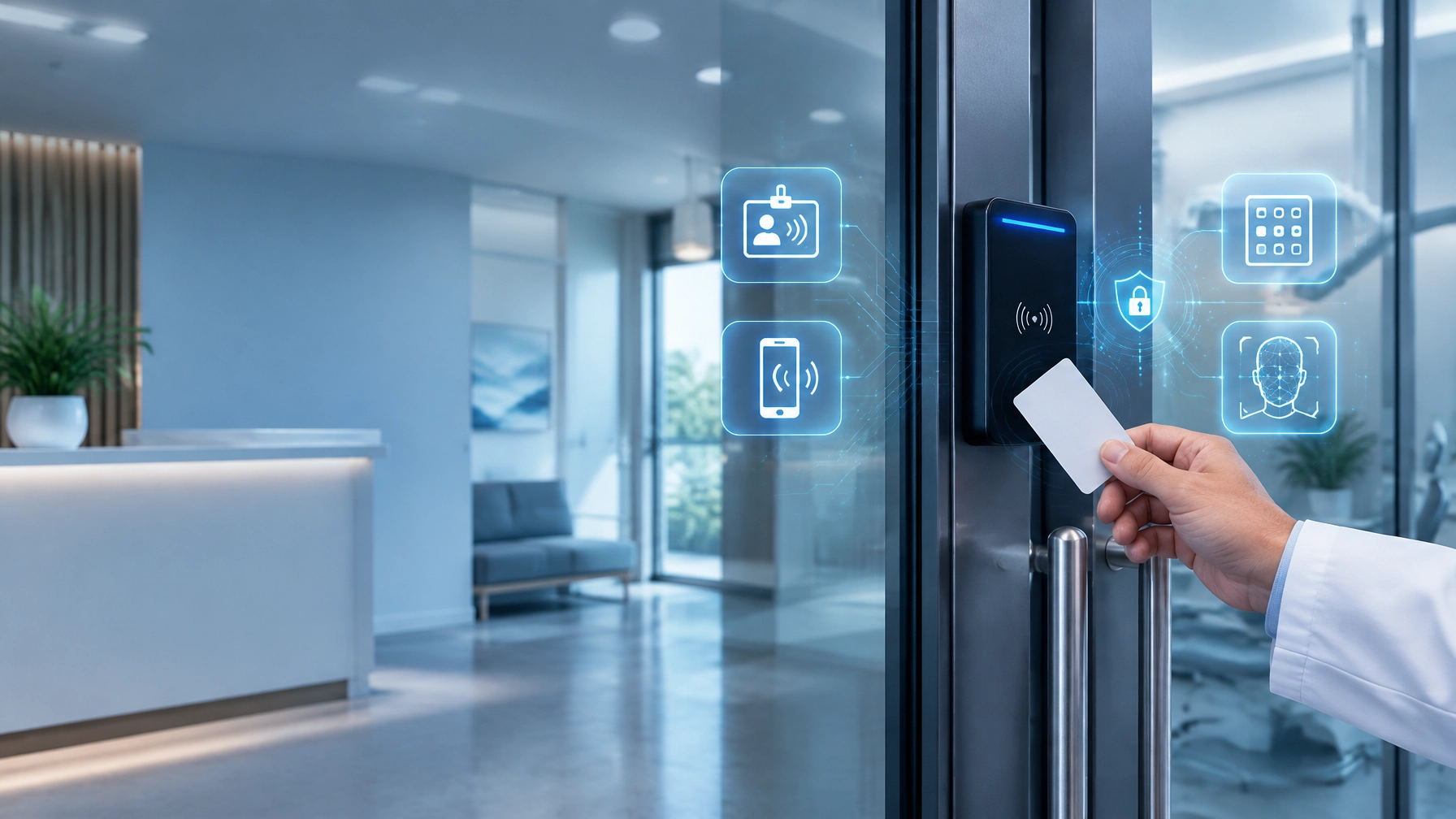
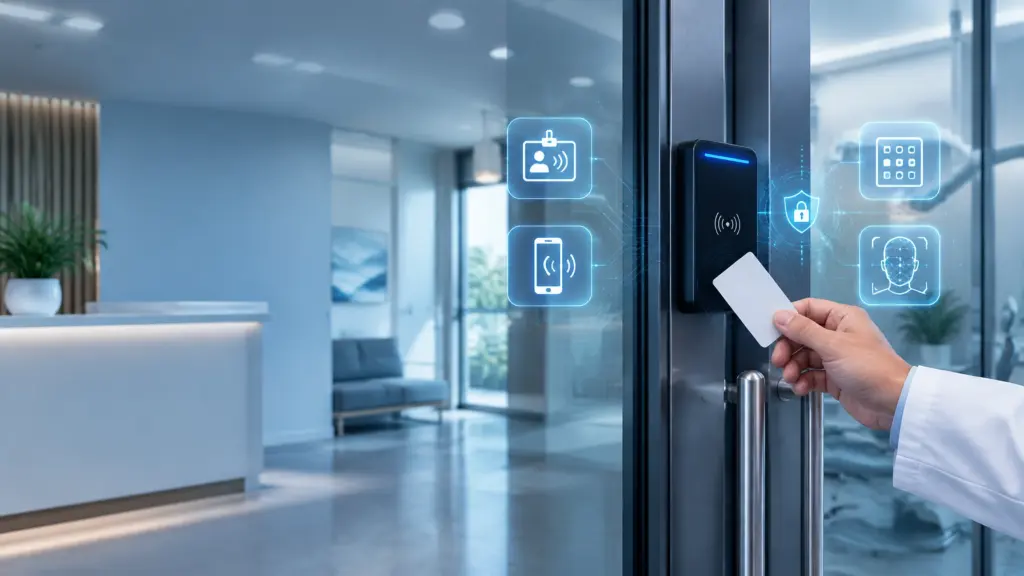
Choosing an access-control system for a medical or dental practice is no longer simply a matter of picking a lock and issuing key cards. In 2026, your options may include legacy proximity badges, PIN keypads, fingerprint or facial biometrics, mobile credentials, and cloud-managed readers.
Each option can work well in the right environment. Each can also create unnecessary cost, privacy exposure, or administrative headaches when selected without considering how your practice actually operates.
Begin with this principle: the best access-control system is not the most advanced one. It is the one that gives the right people the right access, creates useful records, and remains secure and manageable over time.
“Security improves when technology fits the workflow instead of forcing the workflow to fit the technology.”
Start With the Risk, Not the Reader
Before comparing hardware, map your doors and the risks behind them. A front entrance, medication room, billing office, records room, server closet, and staff entrance do not require identical controls.
For each door, ask:
- Who needs access?
- During what hours?
- What happens if access is denied?
- Is sensitive information, medication, equipment, or infrastructure nearby?
- Do you need a record of every entry and exit?
- Should a camera or alarm respond to a door event?
This risk-based approach helps prevent two common mistakes: over-securing ordinary doors and under-securing high-risk areas.
For example, a single-location dental practice may use mobile credentials or badges for staff access, a PIN for a low-risk storage room, and multifactor access for the server or records room. A larger medical practice may need separate permissions for providers, clinical staff, billing personnel, cleaning crews, and IT administrators.
As you move toward a decision, evaluate each credential type across five areas: cost, convenience, accountability, privacy, and cybersecurity.
Option One: Proximity Badges and Key Cards
Proximity badges remain a practical foundation for a badging system for small business. They are familiar, relatively affordable, and easy to issue to employees who need regular access.
Where badges work well
Use badges for:
- Staff entrances
- General office areas
- Supply rooms
- Shared clinical spaces
- Multi-user doors where individual accountability still matters
A badge should be assigned to a specific person rather than treated like a shared key. That allows the system to record who received access and when the credential was used.
Advantages
- Lower upfront cost than many biometric systems
- Easy for employees to understand
- Simple to deactivate after termination or role change
- Supports individual audit trails
- Works well as a backup credential for mobile users
Limitations
Badges can be lost, loaned, copied, or used by someone else. A lost badge is not just an inconvenience; it is an access event that should trigger prompt revocation and investigation.
Ask your vendor how quickly administrators can disable a badge, whether the action is logged, and whether the system can notify a manager when a credential is used outside normal hours.
For most practices, badges remain useful, but they should not automatically be the only credential for sensitive areas.
Option Two: Keypads and PIN Access
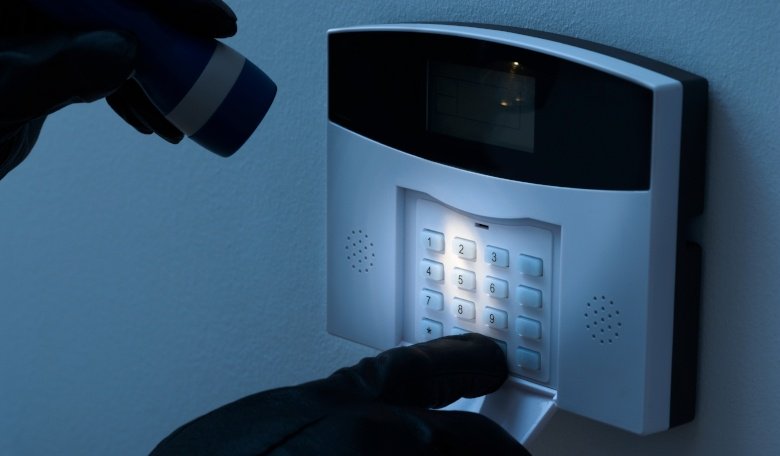
Keypads are convenient when you need controlled entry without issuing a physical credential to every person. They can work well for utility rooms, staff-only doors, or temporary access situations.
Advantages
- No badge to lose
- Easy to change after personnel changes
- Useful for contractors or rotating staff
- Often less expensive than biometric readers
Limitations
The central weakness is shared knowledge. If a whole team uses the same PIN, the audit trail may show that the code was entered, but not who entered it. Staff may also write PINs down, share them, or fail to change them when someone leaves.
If you choose a keypad, prefer individually assigned PINs rather than one shared code. Require regular reviews, limit administrator access, and avoid predictable codes based on addresses, birthdays, or phone numbers.
A keypad can be a reasonable part of access control for medical offices, but it should not be treated as automatically secure simply because it is electronic.
Option Three: Biometrics for Higher-Assurance Areas
Fingerprint, facial, palm, or other biometric readers can provide stronger identity verification because the credential is tied to a physical characteristic.
That can be valuable for:
- Medication or controlled-substance storage
- Records rooms
- EHR or server rooms
- High-value equipment areas
- Restricted clinical or administrative spaces
Biometrics can reduce badge sharing and make it more difficult for one employee to use another person’s credential. However, biometric technology introduces privacy and governance questions that badges and PINs do not.
Take the privacy trade-offs seriously
Biometric systems may store a mathematical template derived from a fingerprint or face rather than a raw image. That distinction matters, but it does not eliminate the need for careful data handling.
Before deployment, determine:
- Where biometric templates are stored
- Whether the vendor can access them
- Whether templates are encrypted
- How enrollment and deletion work
- How long data is retained after employment ends
- Whether employees can use a non-biometric alternative
- Whether the system collects or stores images beyond what is necessary
Healthcare practices should also consider consent, notice, employee expectations, and applicable state and federal requirements. HIPAA may apply when biometric information is connected to PHI, but staff building-access data may be treated differently depending on how it is collected and used.
Michigan does not currently have a comprehensive biometric privacy law equivalent to Illinois’ BIPA, but privacy expectations and proposed legislation can change. Treat this as a risk-management issue, not as a reason to assume that “no specific law” means “no responsibilities.” Work with qualified legal counsel for advice about your specific deployment.
Option Four: Mobile Credentials
Mobile credentials allow an employee to use an authorized smartphone or wearable device instead of a physical badge. They are increasingly attractive for practices with frequent staff changes, multiple entrances, or multiple locations.
Advantages
- Credentials can be issued and revoked remotely
- Employees are less likely to forget a phone than a badge
- No physical card inventory to manage
- Supports touchless entry
- Can fit naturally into a cloud-managed platform
- Useful for temporary or role-based access
Mobile credentials are not risk-free. A phone can be lost, compromised, shared, or left unlocked. Require device security controls such as a passcode, biometric device lock, and remote-wipe capability. Ask whether the mobile credential can be disabled independently of the entire user account.
For many practices, a strong combination is mobile access for general staff doors, badges as a backup, and multifactor authentication for higher-risk spaces.
Option Five: Cloud-Managed Readers and Controllers
Cloud-managed access control can simplify administration, especially when your practice has multiple offices. Instead of managing each door locally, authorized administrators can review users, permissions, alerts, and reports through a centralized platform.
Benefits
- Consistent policies across locations
- Faster onboarding and offboarding
- Centralized audit reports
- Remote credential revocation
- Easier integration with cameras and alarms
- Better visibility for managed IT teams
Cloud management also expands your cybersecurity responsibility. The door controller is now a network-connected device, not merely a lock.
Place controllers and readers on an appropriately segmented network. Change default credentials, enforce multifactor authentication for administrators, disable unnecessary services, and confirm that firmware updates are authenticated and supported. Restrict who can change door schedules, enroll biometrics, create credentials, or export logs.
These controls align with the broader principles in NIST’s IoT cybersecurity guidance and should be part of your physical security Michigan planning, not an afterthought.

Do Not Separate Doors From Cameras, Alarms, and Audio
A door event becomes much more useful when it connects with the rest of your security environment.
Your system should be able to associate:
- A denied badge swipe with nearby video
- An after-hours door opening with an alarm event
- A forced-door condition with an alert
- A restricted-area entry with network audio or notification workflows
- A credential change with an administrative audit record
This is where HIPAA-compliant video surveillance becomes a system-design consideration rather than a camera-shopping exercise. Video should be configured with appropriate access permissions, retention policies, secure storage, and documented administrative controls. No camera system can guarantee HIPAA compliance by itself, but properly designed video, access control, and IT safeguards can support your compliance program.
ClearPath360’s surveillance and security systems are designed to integrate cameras, door access, alarms, monitoring, maintenance, and cybersecurity into one operational picture.
What to Ask an Access-Control Vendor
Use these questions to compare proposals:
- Can every employee have a unique credential?
- How quickly can credentials be revoked?
- Are failed attempts and administrative changes logged?
- Can the system integrate with video, alarms, and network audio?
- What happens if the internet connection goes down?
- Where are access logs and biometric templates stored?
- Are data transmissions encrypted?
- How are firmware updates authenticated and delivered?
- Can administrators use multifactor authentication?
- Can the system support multiple locations and different access schedules?
- What is included in ongoing maintenance?
- Who monitors the controller, reader, and network health?
Request a written answer about ownership of your data, retention periods, export capabilities, breach notification, and end-of-contract migration.
What a Right-Sized Deployment Looks Like
Single-location practice
A practical deployment may include:
- Badge or mobile access for staff entrances
- A controlled reception or employee entrance
- PIN or badge access for general restricted rooms
- Multifactor access for server, records, or medication areas
- Camera coverage at primary entrances and sensitive zones
- Door-event alerts after hours
- A segmented network for controllers and security devices
- Quarterly access-rights reviews
Keep the design understandable. A system that staff cannot use correctly or managers cannot review consistently is not right-sized.
Multi-site practice
A multi-site practice should prioritize centralized administration and consistent policies:
- Cloud-managed readers and controllers
- Shared role templates across locations
- Mobile credentials with badge backup
- Location-specific schedules
- Centralized reporting
- Standardized camera and alarm integrations
- Separate administrative roles for local managers and central IT
- Formal onboarding, offboarding, and emergency-access procedures
This is where managed IT services in Michigan can provide practical value. The access system, switches, firewalls, firmware, cloud accounts, and alerting workflows should be reviewed together rather than maintained as isolated projects.
Make the Choice With a Full-Surface View
There is no universal winner between badge, biometric, mobile, PIN, and cloud-managed access. Most practices will benefit from a carefully designed combination.
Begin with the doors. Match the credential to the risk. Limit biometric use to situations that justify the privacy trade-off. Require unique identities and useful audit trails. Then secure the controller, network, administrator accounts, firmware, and integrations that make the system operational.
That full-surface approach is especially important for practices in Genesee County and across Michigan, where physical security and cybersecurity increasingly overlap.
ClearPath360 helps medical, dental, and small-business leaders design access control as part of an integrated IT and security strategy. Our team can help evaluate your doors, network, cameras, alarms, credentials, and administrative processes so your practice receives protection that is practical today and scalable tomorrow.
Contact ClearPath360 to plan an integrated physical-security and IT assessment, and build a security environment that does more than lock doors.