Healthcare practices face a difficult security challenge: You need visibility to protect patients, staff, medications, equipment, and sensitive systems, but excessive surveillance can create new privacy and compliance risks.
For medical and dental practices in Michigan, the answer is not to choose between privacy and protection. The goal is to design a video surveillance healthcare strategy that supports both.
Begin by treating every camera as part of your broader compliance program. Review what each device can see, determine whether its footage could contain protected health information (PHI), and document why the camera is necessary. This practical approach helps your practice strengthen security without creating avoidable HIPAA exposure.
“The strongest healthcare security program protects people without making privacy an afterthought.”
Start by Determining Whether Video Footage Contains PHI
Use this section to establish the foundation for your surveillance policy. Not every video recording automatically becomes PHI, but identifiable footage can create HIPAA obligations when it relates to a patient’s health status, treatment, payment, or care.
For example, a camera recording an empty parking lot may present limited PHI concerns. A camera recording a patient entering a behavioral health treatment area, speaking with a receptionist, or receiving care may create significantly greater exposure.
Review each camera feed and ask:
- Can a person be reasonably identified?
- Does the footage show a patient receiving or seeking care?
- Could the recording reveal a diagnosis, treatment relationship, or payment activity?
- Is audio being captured along with video?
- Who can view, export, store, or share the footage?
If the answer is yes, treat the video as sensitive information and protect it accordingly. The HIPAA Security Rule provides the broader framework for administrative, physical, and technical safeguards.
This is where a risk-based mindset becomes valuable. You do not need to eliminate every camera. You need to limit unnecessary exposure and apply appropriate safeguards wherever PHI may appear.
Design Camera Placement Around the Minimum Necessary Principle
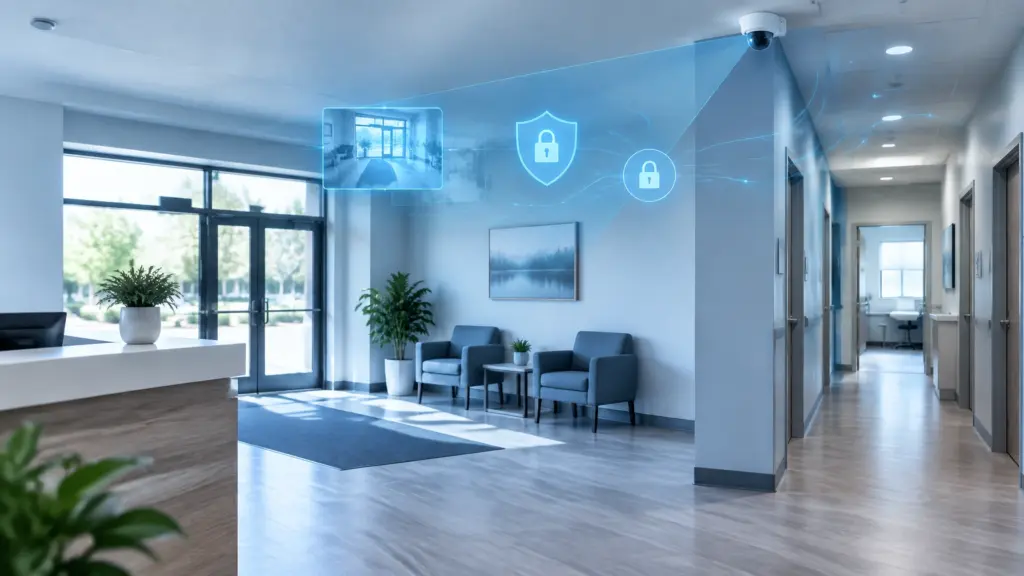
Use your site assessment to determine where surveillance provides the greatest security value with the least privacy risk. Camera placement is one of the most important decisions in medical office security because a poorly positioned device can capture far more than intended.
Generally appropriate locations
Many practices can use cameras effectively in areas such as:
- Exterior entrances and parking areas
- Building perimeters and delivery zones
- Main entry and exit points
- Waiting rooms and common corridors
- Pharmacy or medication storage access points
- Server rooms and network closets
- Restricted staff entrances
Even in these areas, configure the camera carefully. Aim away from computer screens, sign-in sheets, patient charts, whiteboards, and detailed conversations. Use privacy masking to block areas that do not need to be recorded.
Locations that require special caution
Avoid cameras in places where patients or employees have a strong expectation of privacy, including:
- Restrooms
- Changing rooms
- Exam rooms
- Treatment rooms
- Therapy spaces
- Staff changing areas
Also review whether an exterior camera can see through a doorway or window into an exam or treatment area. A camera may be mounted in an acceptable location but still create a privacy problem because of its field of view.

For most medical and dental practices, disable audio by default. Conversations at reception desks, in waiting rooms, or near treatment areas may include sensitive health information. Audio recording may also raise separate state-law concerns, so consult qualified legal counsel before enabling it.
As you move toward implementation, remember that the best camera system is not necessarily the one that records the most. It is the one that captures enough information to support safety while respecting patient dignity.
Use Signage and Consent to Build Trust
Security signage serves two purposes: It informs people that monitoring is present, and it demonstrates that your practice has considered transparency as part of its privacy vs. protection strategy.
Post clear notices at entrances and in monitored common areas. Your signage can explain that video surveillance is used for safety and security purposes and identify a contact for questions. Do not imply that every area of the building is recorded if cameras are limited to selected locations.
HIPAA does not prescribe one universal surveillance sign or require the same notice in every situation. However, visible signage is a practical best practice, and other federal, state, or local privacy requirements may apply.
Consent and authorization should be addressed separately. Routine security monitoring in common areas may often be handled as part of healthcare operations when the practice follows the minimum necessary standard and protects the resulting information. However, obtain written authorization before using identifiable patient footage for purposes such as:
- Marketing or social media
- Public demonstrations
- Training videos
- Educational presentations
- Research outside an approved compliance process
- Media or promotional content
If a camera is being considered for an exam room, treatment area, or another sensitive space, pause the project and involve your compliance officer and legal counsel before installation. Document the specific purpose, alternatives considered, patient notice, authorization process, access controls, and retention plan.
Clear communication can reduce anxiety. Patients are more likely to trust surveillance when they understand that it is limited, purposeful, and designed to protect them.
Create a Retention Policy Before You Install the System
Use this section to turn general privacy goals into enforceable procedures. HIPAA does not establish one fixed retention period for security camera footage. Instead, your practice should create a schedule based on risk, operational need, legal requirements, and incident response considerations.
Many practices use a limited rolling retention period for routine footage, such as 30 to 90 days. That is not a universal rule. Your compliance team should determine the appropriate period for your location and circumstances.
Your written policy should explain:
- How long routine footage is retained
- When footage is automatically overwritten or deleted
- How an incident hold pauses normal deletion
- Who can approve an export or extended retention period
- How evidence is securely shared with law enforcement or legal counsel
- How expired footage is securely destroyed
- How the practice verifies that deletion occurred
Do not confuse the retention period for surveillance footage with HIPAA’s documentation retention requirements. Written HIPAA policies and procedures may have different retention expectations than recorded video.
Document your reasoning in your risk analysis. A practice that retains every recording indefinitely may increase its exposure without adding meaningful security value. Retain what you need, protect it carefully, and delete it when the legitimate purpose ends.
Protect the Video System Like Any Other Sensitive Technology
A surveillance camera is an endpoint connected to your network. If the system is poorly secured, it can become a pathway into other business systems: or expose recorded information to unauthorized users.
Apply safeguards such as:
- Unique user accounts instead of shared passwords
- Multi-factor authentication for administrative access
- Role-based permissions for viewing and exporting video
- Encryption in transit and at rest when supported
- Audit logs showing who accessed or exported footage
- Secure network segmentation for cameras and recorders
- Regular firmware and software updates
- Locked storage for recording hardware
- Restricted monitors in staff-only locations
- Protected backups and tested recovery procedures
This is where physical security and cybersecurity must work together. ClearPath360’s guide to integrating physical security with cybersecurity explains why cameras, access controls, network monitoring, and incident response should not be managed as disconnected systems.

Train employees on more than how to view a camera feed. Explain when footage may be accessed, how requests should be handled, why screenshots should not be casually shared, and what to do if someone sends video to the wrong recipient.
Build a Compliant Surveillance Policy Your Team Can Follow
A policy creates consistency. Without one, individual employees may make different decisions about camera placement, footage access, exports, or patient requests.
Use your policy to define:
- The business purpose of surveillance
- Approved and prohibited camera locations
- Rules for audio recording
- Signage and patient communication
- Access permissions and approval processes
- Retention and deletion schedules
- Incident response and breach escalation
- Third-party vendor responsibilities
- Training requirements
- Periodic camera and policy reviews
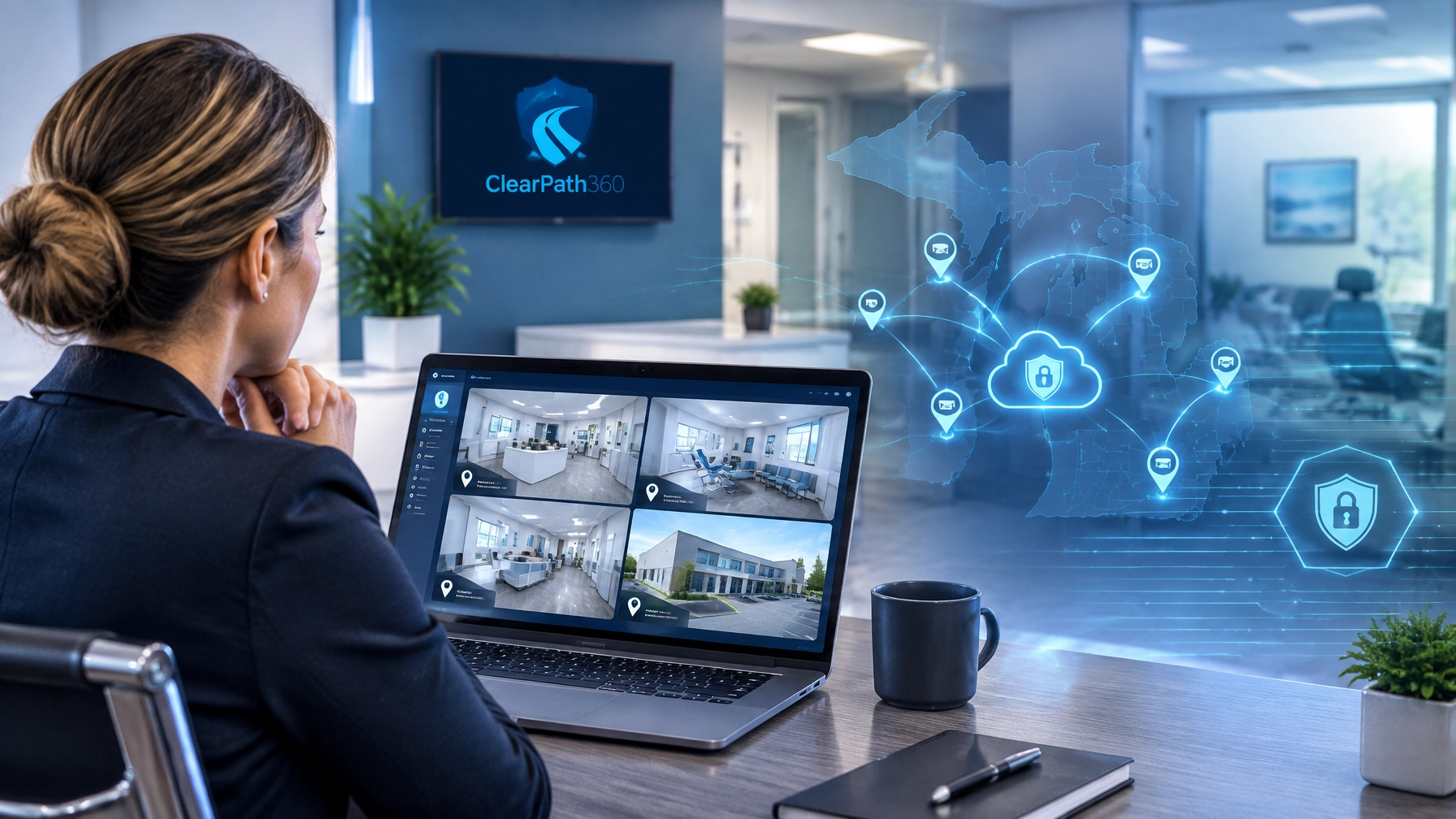
If a cloud video provider, security integrator, or managed technology partner stores or processes footage containing PHI, evaluate whether a business associate relationship and agreement are required. Review the vendor’s security controls, breach procedures, access model, and data-storage practices before deployment.
Schedule a formal review at least annually and whenever your practice moves, remodels, adds services, changes camera views, or adopts new analytics. AI-powered detection can improve response times, but it should be configured thoughtfully. Avoid enabling facial recognition, audio analytics, or other advanced features without a documented purpose, legal review, and privacy assessment.
Take a 360-Degree Approach to Healthcare Security
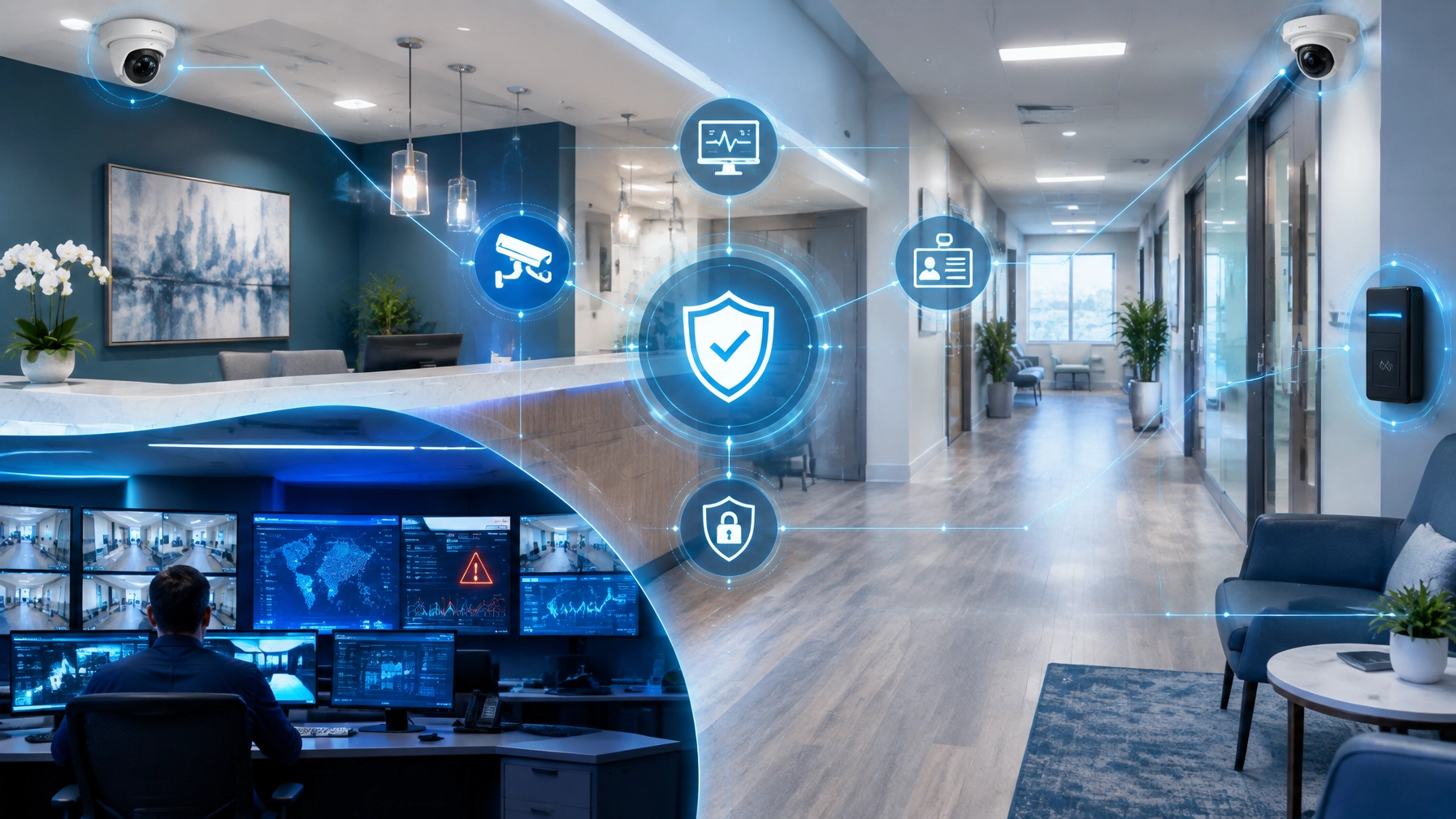
A compliant surveillance system should do more than record an event after it happens. It should support a coordinated security program that includes managed IT, cybersecurity, access control, physical protection, staff training, and incident response.
That integrated approach is especially important for healthcare practices. A camera may identify an after-hours entry, but your IT team must also confirm whether the person accessed a server, workstation, medication area, or patient record system. When physical and digital alerts are connected, your practice can investigate faster and respond with greater confidence.
ClearPath360 helps businesses take this 360-degree approach through integrated surveillance solutions, managed IT, cybersecurity, and proactive technology support.

Begin with a camera-by-camera review of your current system. Identify unnecessary views, disable unneeded audio, restrict access, confirm retention settings, and update your written policy. Then involve your compliance and technology partners to close the gaps.
Privacy and protection are not competing objectives. With careful design, clear policies, and secure technology, they can reinforce each other.
This article provides general information, not legal advice. Because HIPAA obligations and Michigan privacy requirements can vary by practice, recording method, and use case, consult your compliance officer and qualified legal counsel before finalizing surveillance policies or installing cameras in sensitive areas.