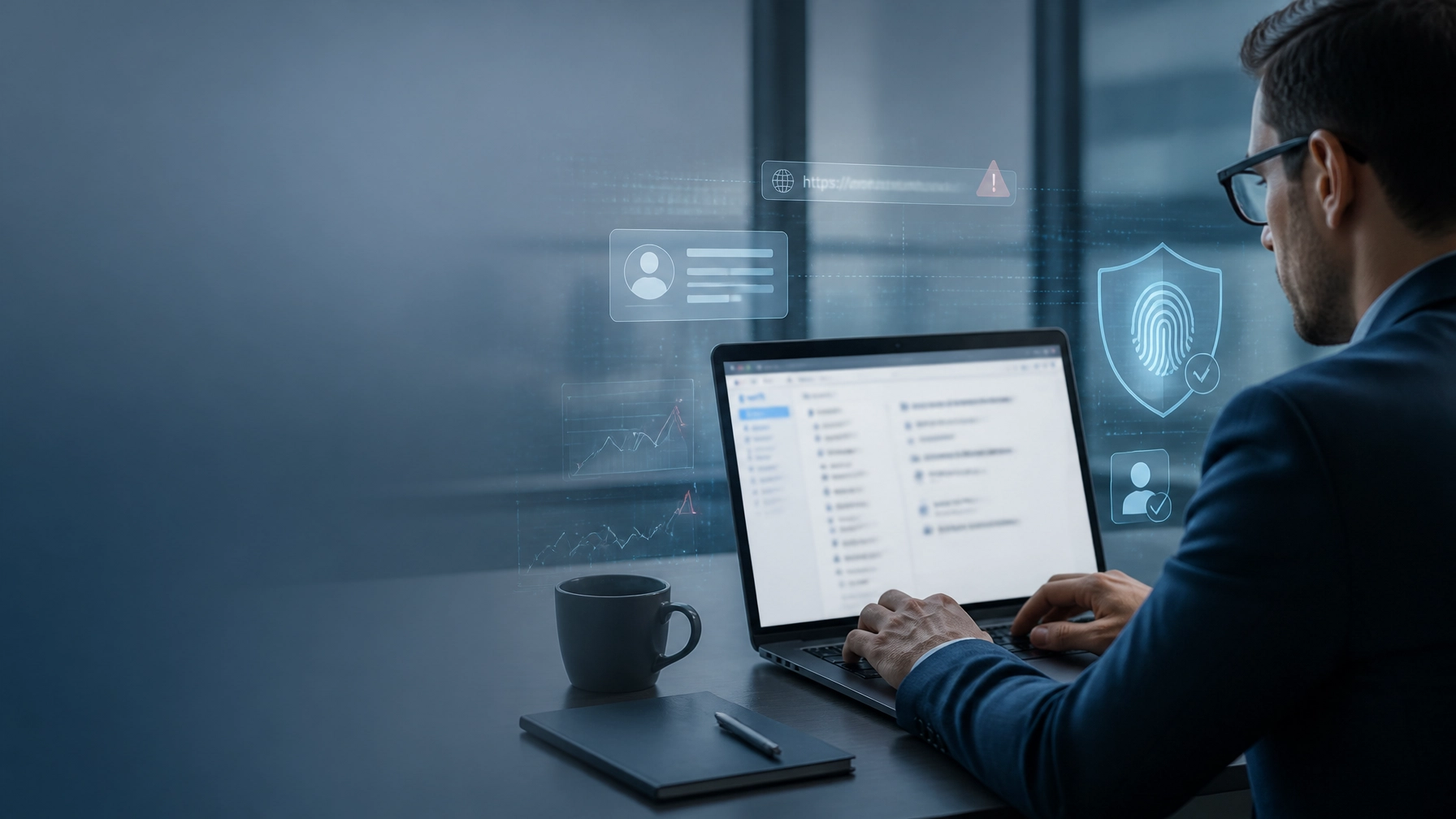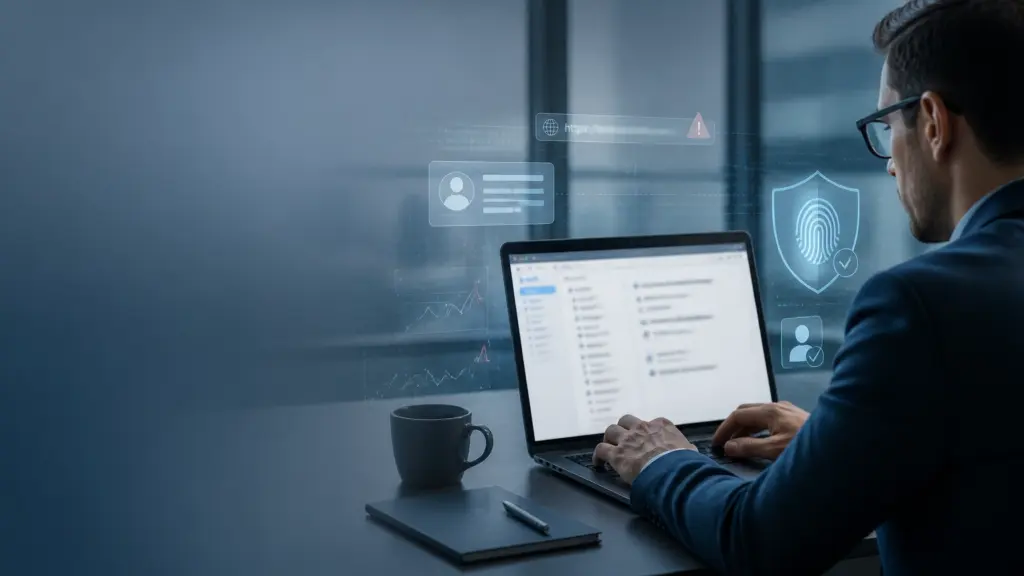
A polished email can still be a dangerous one.
For years, cybersecurity awareness training taught employees to watch for spelling mistakes, awkward grammar, strange formatting, and obvious warning signs. That advice was useful when many phishing emails were rushed, poorly translated, or copied from generic templates.
Today, it is no longer enough.
Artificial intelligence allows attackers to create professional, personalized, and grammatically flawless messages at scale. An email can sound exactly like a trusted vendor, manager, lender, or business partner while quietly directing the recipient toward credential theft, financial fraud, or malware.
This is the opening article in “The Human Firewall: Beating Social Engineering & AI-Driven Threats,” a weeklong series for Michigan business owners and decision-makers. As you move through the series, you will learn how to strengthen the people, technology, processes, and physical security systems that protect your organization.
“Perfect grammar is no longer proof of legitimacy. Context, verification, and layered protection matter more than ever.”
Begin by Rethinking What a Phishing Email Looks Like
The purpose of this section is to replace outdated assumptions with a more accurate understanding of modern phishing.
Do not begin with the question, “Does this email contain typos?” Begin with:
- Who is making the request?
- What action are they asking you to take?
- Does the request fit the sender’s normal responsibilities?
- Is the timing unusual?
- Does the message pressure you to bypass an established process?
- Can you verify the request through a separate, trusted channel?
AI-generated phishing often removes the visual and linguistic clues that employees were trained to spot. Attackers can ask AI tools to produce a message with polished business language, a convincing subject line, and a tone that matches the target organization.
The result may look like a legitimate message from:
- A supplier requesting a bank account change
- A company executive asking for an urgent wire transfer
- A payroll provider requesting updated employee information
- A Microsoft 365 administrator warning about account activity
- A customer asking an employee to open a shared document
- A lender, insurer, or government agency requesting confirmation
For Michigan businesses, these scenarios can be especially disruptive. Manufacturing, construction, healthcare, professional services, logistics, and other industries rely on fast communication with vendors, customers, employees, and financial institutions. Attackers understand that a busy employee may approve a request simply because it fits the rhythm of the workday.
That is why the first improvement you should make is simple: stop treating writing quality as your primary test of legitimacy.
The Cybersecurity and Infrastructure Security Agency specifically warns that poor grammar and misspellings were once common indicators, but AI-generated messages may now have perfect spelling and grammar. Review CISA’s Recognize and Report Phishing guidance and share it with your team.

Next, Focus on the Request Instead of the Writing
Use this space to teach employees a more reliable habit: evaluate behavior and business context.
A phishing email is not dangerous because it sounds unprofessional. It is dangerous because it tries to move the recipient toward an unsafe action.
Train your team to slow down when an email asks them to:
-
Send sensitive information
Be cautious with requests for passwords, tax documents, employee records, customer data, payment details, or copies of identification. -
Change payment instructions
Require independent verification before changing vendor banking information or sending funds, even when the request appears to come from a familiar contact. -
Sign in through an email link
Instead of clicking, open a new browser window and navigate to the service through a known bookmark or a verified website. -
Bypass normal procedures
Treat requests for secrecy, unusual urgency, or executive exceptions as signals to verify: not reasons to move faster. -
Open an unexpected attachment
Confirm the file and its purpose through a known phone number, internal chat, or previously established contact method.
Keep your language clear when training employees: A familiar name is not the same as a verified identity. A professional tone is not the same as a safe message. An urgent request is not automatically a legitimate request.
Encourage employees to verify through a separate channel. If a vendor sends a payment-change request, call the vendor using a number already stored in your records: not the number included in the email. If an executive requests a transfer, confirm using a known phone number or your established approval process.
“When an email asks you to act quickly, make verification the first action.”
This approach creates a pause between receiving a message and completing a transaction. That pause can prevent a serious loss.
Build a Human Firewall That Employees Can Actually Use
Security awareness training works best when it is practical, recurring, and connected to the decisions employees make every day.
Do not rely on a once-a-year slide presentation. Instead, provide short refreshers that demonstrate realistic examples from your business environment. Show employees how an AI-generated message might imitate a supplier, manager, customer, or technology provider.
Then give them a simple response process:
- Recognize: Identify unusual requests, suspicious links, unexpected attachments, and pressure to act.
- Resist: Do not click, reply, open files, or provide information while the request is unverified.
- Report: Use your company’s phishing-reporting tool or contact the designated IT or security team.
- Verify: Confirm the request through a known, independent channel.
- Delete or quarantine: Follow your organization’s procedures after reporting.
Make reporting easy and blame-free. Employees who report suspicious messages quickly are helping protect the entire organization. They may alert your team to an attack before another employee clicks the same link.
Your awareness program should also measure more than how many people failed a simulated phishing test. Track how quickly employees report suspicious messages, whether they follow verification procedures, and whether high-risk departments receive targeted coaching.
ClearPath360 can help businesses strengthen this human layer through managed services, network security, and ongoing technology guidance. The goal is not to make employees fearful of every email. The goal is to give them the confidence and process to make safer decisions.

Add Technical Controls That Reduce Reliance on Perfect Decisions
A strong human firewall still needs strong technical support.
Begin by reviewing the controls protecting your email, identities, endpoints, and network. Modern phishing campaigns are designed to exploit normal business activity, so no single filter or training exercise can stop every threat.
Your technical checklist should include:
Strengthen email protection
Use layered email security that can evaluate sender reputation, domain authentication, suspicious links, attachments, and unusual communication patterns. Explore ClearPath360’s email spam protection service to understand how managed email defenses can support your organization.
Also, review whether your domain uses email authentication standards such as SPF, DKIM, and DMARC. These controls can help reduce spoofing and improve visibility into messages that claim to come from your organization.
Require multifactor authentication
Enable MFA across email, cloud applications, remote access, financial systems, and administrator accounts. Where possible, prioritize phishing-resistant methods such as security keys or passkeys for high-value accounts.
MFA does not make phishing irrelevant, but it can reduce the damage caused by stolen passwords. Combine it with conditional access, strong password policies, privileged-account controls, and monitoring for unusual sign-ins.
Protect endpoints and browsers
Keep operating systems, browsers, applications, and security tools updated. Use endpoint protection and web filtering to block malicious destinations and suspicious downloads.
When an employee clicks a dangerous link, layered endpoint and network controls may stop the attack before it becomes a broader incident. Review ClearPath360’s full range of IT services to identify where your current protections may need reinforcement.
Prepare for fast response
Create a clear process for compromised credentials, suspicious payments, malware alerts, and unauthorized access. Employees should know whom to contact and what information to provide.
Your IT or security partner should be able to review sign-in activity, isolate affected devices, reset credentials, remove malicious rules, and determine whether the attacker accessed additional accounts or data.
Remember That Social Engineering Can Cross the Digital-Physical Boundary
This is where a 360-degree security strategy becomes valuable.
Phishing may begin in an inbox, but social engineering can continue through phone calls, text messages, false identities, or physical access attempts. An attacker who learns employee names, schedules, vendors, or office routines may use that information to make a follow-up request more convincing.
Physical security and surveillance systems can support the investigation and prevention of these events. Camera footage may help verify whether an unknown visitor accessed a restricted area, whether equipment was removed, or whether an individual attempted to impersonate a contractor or employee.
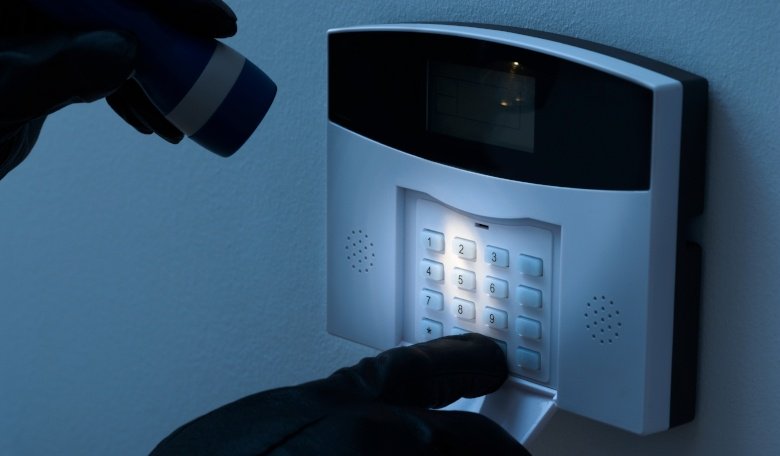
Use surveillance as part of a broader security plan: not as a replacement for cybersecurity. Intelligent cameras, access controls, alarm monitoring, network protection, backup, and security awareness should work together.
For example, if a compromised employee account is used to request an urgent payment and someone arrives on-site claiming to be a vendor, your team should have both digital logs and physical security information available for review.
ClearPath360’s approach brings managed IT, cybersecurity, security awareness, and intelligent surveillance into one coordinated strategy. That integration helps you avoid the gaps that appear when every security function is managed separately.
Put Your Phishing 2.0 Plan Into Action
As the first article in “The Human Firewall: Beating Social Engineering & AI-Driven Threats,” this post establishes the central lesson for the rest of the series:
Do not judge legitimacy by appearance alone.
Begin this week by taking five practical steps:
- Tell employees that flawless grammar can still be phishing.
- Require independent verification for payment, credential, and sensitive-data requests.
- Make phishing reporting simple and non-punitive.
- Review MFA, email security, endpoint protection, and backup readiness.
- Evaluate how your digital and physical security systems work together.
Then schedule a security review with your IT provider. Ask whether your current tools can detect context-based threats, whether employees know how to report suspicious messages, and whether your response plan is documented and tested.
Michigan businesses do not need to face AI-driven threats alone. ClearPath360 provides proactive managed IT and cybersecurity support, helping your organization prevent problems instead of simply reacting after damage occurs.
Contact ClearPath360 or schedule a conversation to begin building a stronger human firewall and a more resilient 360-degree security strategy.