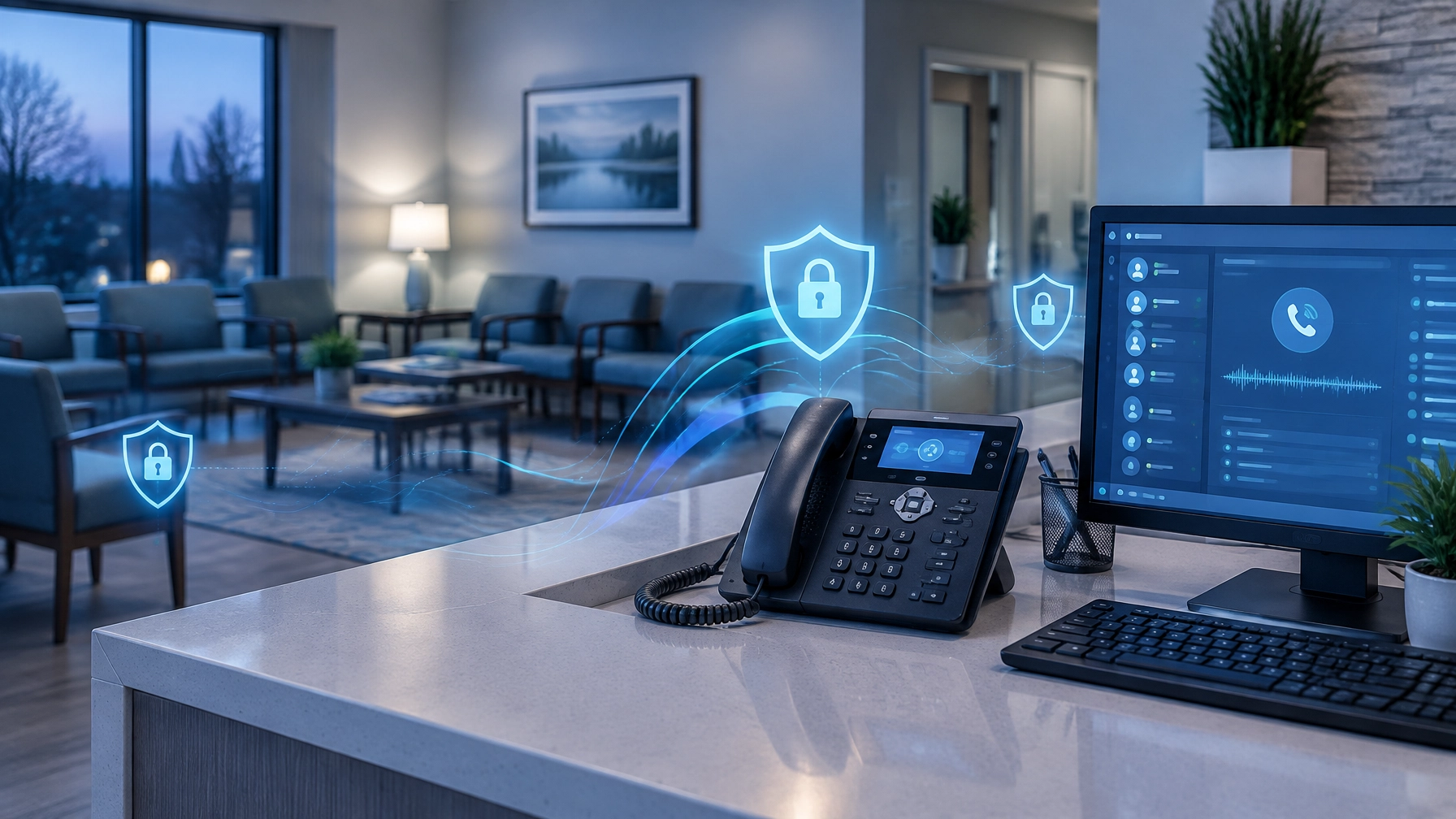
Your clinical team does not wait for an infection-control issue to become a crisis before following established procedures. They use routines, document what matters, and make prevention part of everyday work. Your practice’s technology deserves the same discipline.
For medical, dental, and vision practices across Michigan, technology hygiene helps keep scheduling, records, imaging, billing, and communication available when patients and staff need them. It also helps reduce avoidable security risks involving electronic protected health information (ePHI). A scheduled system health review turns these goals into manageable, repeatable tasks, not a scramble after a disruption.
“Prevention works best when it becomes part of the routine, not another task waiting for a quiet day.”
Start by treating IT hygiene as an ongoing process, not a one-time cleanup. The rhythm below can help your practice create a practical baseline and identify who should be responsible for each step.
Why clinical systems need preventive maintenance
Begin by listing the systems your team depends on: workstations, laptops, servers, network equipment, email, cloud services, electronic health records (EHRs), practice-management software, imaging systems, printers, and connected clinical devices. Include the vendors who support them. This inventory helps you see where maintenance is needed and which systems could affect patient care if they fail.
When systems are unavailable, the effects can reach beyond inconvenience. Staff may have to work through downtime procedures, reschedule appointments, or delay parts of a visit that rely on records or images. A security incident can also interrupt routine operations while the practice assesses what happened and takes appropriate steps.
Unmanaged accounts, outdated software, unprotected endpoints, and untested backups can increase exposure to threats involving ePHI. The HIPAA Security Rule requires covered entities to use administrative, physical, and technical safeguards to protect ePHI. HHS also provides guidance on conducting a risk analysis. A routine health check can help your practice identify and address risks; it does not, by itself, establish or guarantee HIPAA compliance.
As you move from the “why” to the routine, keep your goal clear: make preventive work visible, assignable, and suited to your practice’s risk and operations.
Use a practical weekly, monthly, and quarterly rhythm
A schedule gives routine checks a place on the calendar. Adjust the cadence to fit your systems, vendor recommendations, staffing, and documented risk analysis. The checklist below is a starting point, not a substitute for advice about your specific regulatory obligations.
Weekly: Look for small problems early
Use this short check to confirm that essential protections are working as expected:
- Review alerts for endpoint protection, suspicious sign-ins, and failed backup jobs. Escalate anything unusual rather than simply closing the alert.
- Confirm that critical systems and workstations are reporting to the appropriate monitoring tools.
- Check for urgent security updates or vendor notices that need prompt review. Coordinate changes to clinical devices with the manufacturer or support provider.
- Note recurring issues (such as slow workstations, full storage, or repeated sign-in failures) that could signal a larger reliability or security concern.
This routine is most useful when someone reviews the results and follows through. A dashboard that no one checks is not a dependable early-warning process.

Monthly: Make maintenance deliberate
Set aside a defined maintenance window to review updates for operating systems, browsers, security tools, and other supported software. Prioritize critical vulnerabilities and systems exposed to the internet, and document why an update is delayed when testing or vendor coordination is necessary. Avoid treating “patch everything immediately” as a safe policy for every clinical device; compatibility and patient-care needs matter.
During the same review, confirm that endpoint protection covers active computers and servers, and check whether any devices are unsupported or missing from your inventory. Review backup reports, too. A successful backup job is useful evidence, but it does not prove that your practice can restore the information it needs.
For more on recovery planning, see ClearPath IT & Security’s data backup and recovery services. Use the monthly check to raise unresolved issues while there is time to plan a safe response.
Quarterly: Review access and test your plan
Review who can access EHR, practice-management, email, remote-access, and administrative accounts. Remove accounts that are no longer needed, including dormant accounts belonging to former staff, contractors, or vendors. Confirm that each person has an individual account and only the access needed for their role. Use multifactor authentication where available, especially for remote, email, cloud, and administrative access.
Then perform a documented restore test appropriate to your environment. Restore a representative file or dataset, or test a recovery scenario with your IT provider and software vendors. Confirm who to contact, how the practice will operate during downtime, and which systems must be restored first. A restore test is about learning whether recovery works, not just confirming that a backup exists.
HHS’s Healthcare and Public Health Sector Cybersecurity Performance Goals offer a useful, voluntary reference for prioritized safeguards. Use them to inform discussion with your IT provider, alongside your own risk analysis and obligations.
Assign ownership, and document the handoffs
This is where a good checklist becomes a dependable practice. The practice owner or administrator should be accountable for making sure the process happens and that significant risks receive attention. An office manager or designated staff member can coordinate the calendar, collect reports, and flag operational concerns.
Your managed IT provider should typically handle technical monitoring, patch planning, endpoint coverage, backup monitoring, account changes, and restore testing in coordination with the practice. A clinical lead should help assess the patient-care impact of maintenance windows and changes to connected clinical equipment. Vendors may also need to be involved when updates could affect specialized devices or software.
Write down who does what, how often, where results are recorded, and how an urgent issue is escalated. Keep brief records of completed checks, exceptions, decisions, and follow-up owners. Clear documentation helps the next person understand what was checked and what still needs attention.

Turn findings into a system health review
A proactive IT health check should do more than produce a list of technical findings. Begin with the inventory and ask which systems are essential to patient care. Then review patch status, endpoint protection, user access, backup and recovery readiness, monitoring alerts, vendor responsibilities, and open issues.
Use this space to make findings actionable. For each issue, record its impact, the next step, the person responsible, and a target date. If an older system cannot be updated safely, ask your IT provider and vendor to discuss practical alternatives, such as isolation, added monitoring, or a replacement plan. Do not let an exception become invisible simply because it is difficult to resolve.
A regular review also gives practice leadership a chance to connect IT decisions with clinical workflows. Schedule maintenance when it is least disruptive, communicate planned changes to affected staff, and confirm how the team will respond if a system is unavailable. Preventive maintenance should support care, not create avoidable surprises.
For practices that want a partner to coordinate these recurring tasks, explore managed IT services and discuss what a schedule could look like for your environment.
Make consistency your standard
Your practice already understands the value of a reliable routine. Apply that same mindset to clinical systems: check regularly, document what you find, remove access that is no longer needed, maintain supported software, and verify that backups can be restored. Small, scheduled actions can help your team catch manageable issues before they disrupt a busy day.
Start with one scheduled health check, assign clear owners, and review the process as your practice changes. ClearPath IT & Security can help you assess your environment and build a preventive maintenance plan tailored to your practice.
Call 810-605-5890 or email sales@clearpath360.org for a managed IT quote.