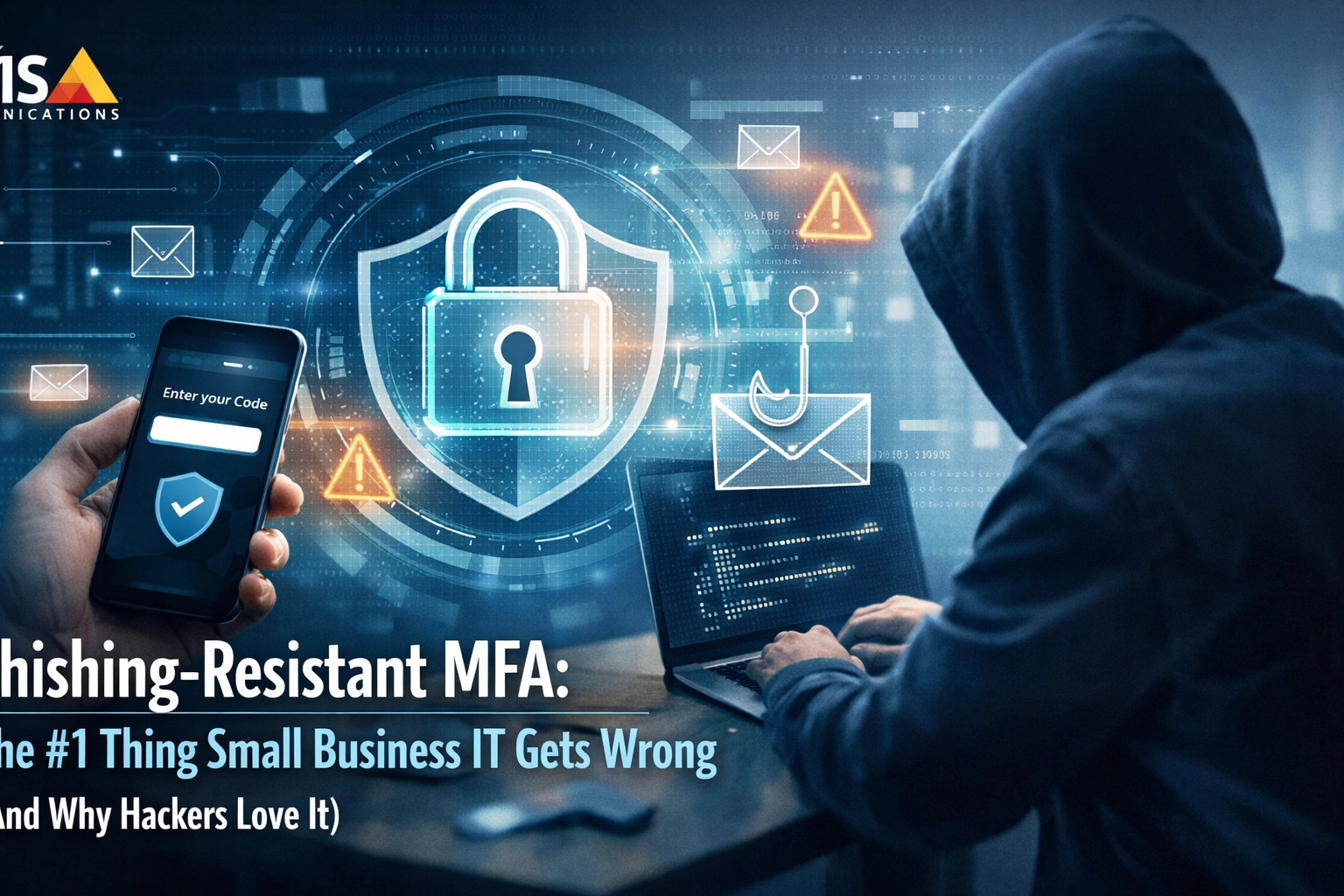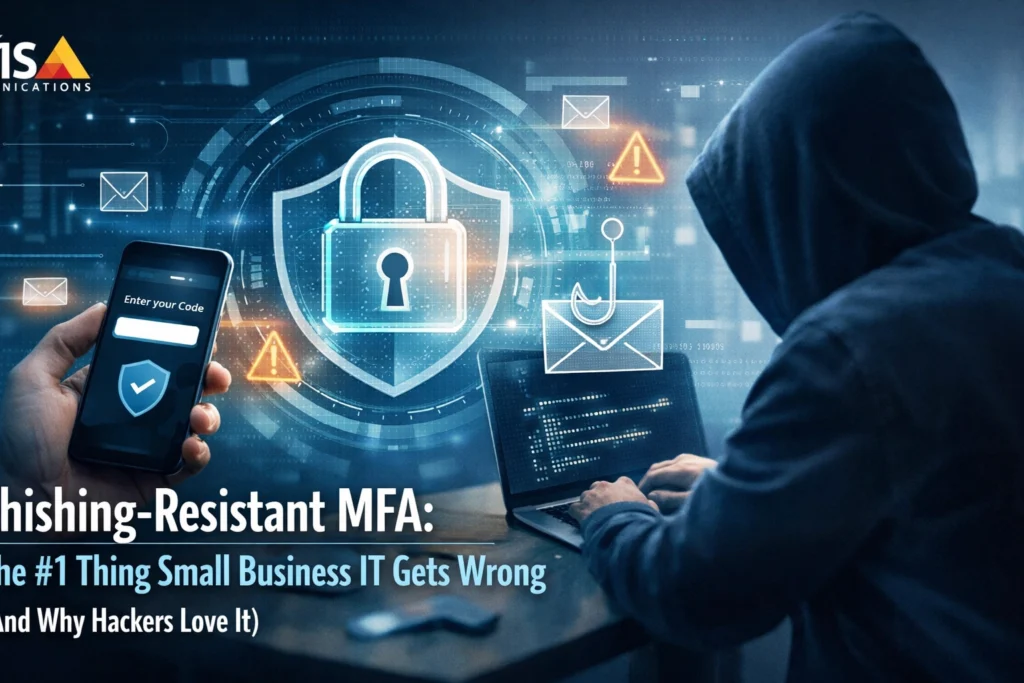
You've got multifactor authentication enabled. You feel pretty good about your cybersecurity posture. Every time someone logs in, they need that text message code or that push notification on their phone.
Here's the uncomfortable truth: you might be more vulnerable than you think.
In 2026, hackers aren't trying to crack your passwords anymore. They're bypassing your MFA entirely: and if you're using SMS codes or simple "Approve/Deny" push notifications, you've essentially left the back door unlocked.
Let me show you why the MFA you're using right now might be the weakest link in your security chain, and what phishing-resistant MFA actually looks like for small businesses who want real protection.
The False Sense of Security (And Why Hackers Are Counting On It)
Start by understanding what's happening behind the scenes. You implemented MFA because someone told you it was the gold standard: and they were right, sort of. The problem? Not all MFA is created equal.
When you rely on SMS codes or email-based authentication, you're transmitting shared secrets through channels that hackers can compromise. Think about it: that authentication code exists on your provider's server, travels through telecom or email networks, and lands on your device. That's three different vulnerability points an attacker can exploit.
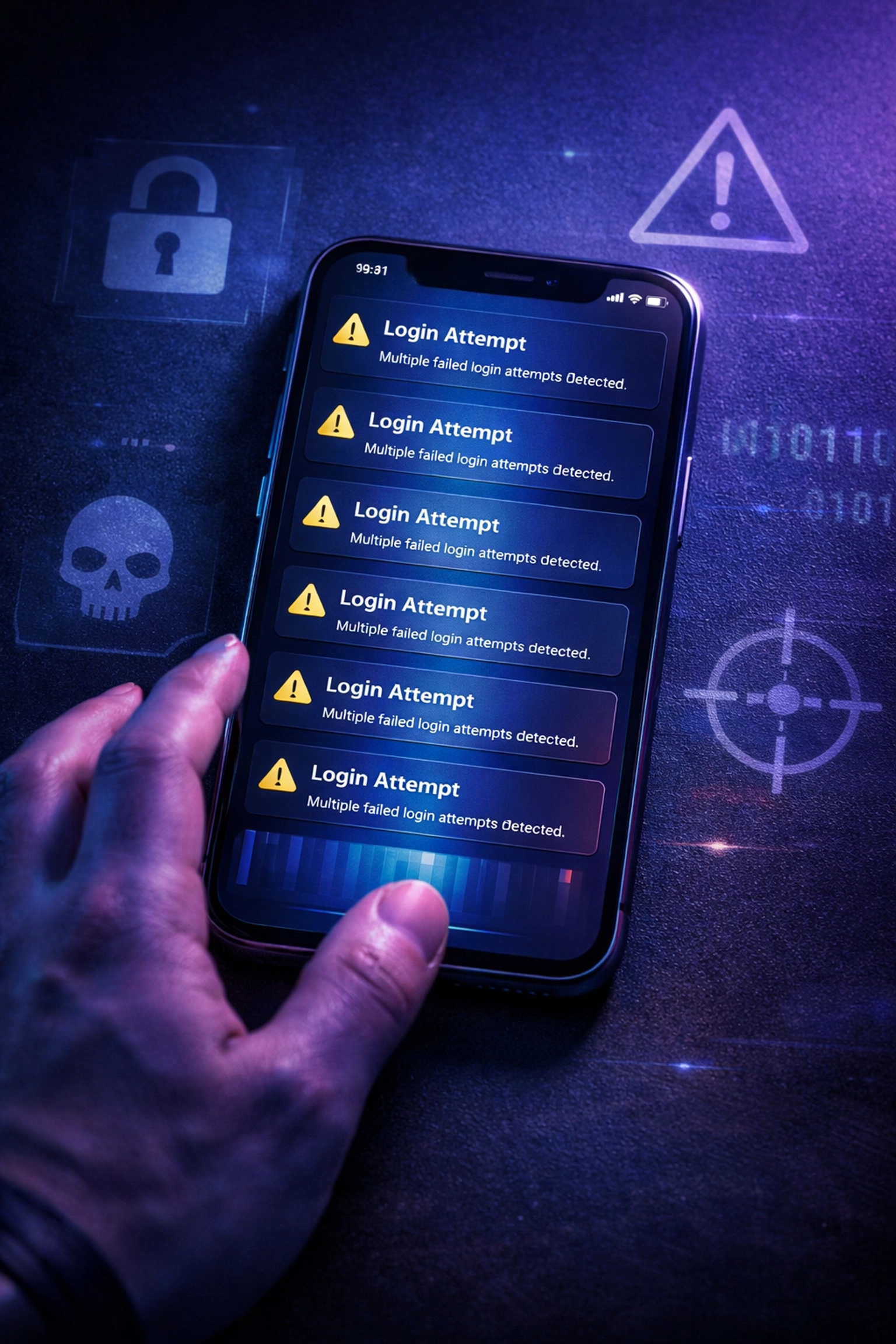
And they do exploit them. MFA fatigue attacks work like this: a hacker gets your username and password (from a data breach you don't even know about yet), then spams you with dozens of push notification requests until you accidentally approve one just to make them stop. It sounds ridiculous until it happens to your accounts payable person at 2 AM on a Tuesday.
Session hijacking is even more insidious. An attacker intercepts your authentication session after you've already logged in, stealing the temporary token that proves you're "trusted." Your MFA did its job: once: but now the hacker is riding your authenticated session like a stolen car.
"Around 80% of corporate data breaches involve compromised passwords: but traditional MFA methods still leave you exposed to the other attack vectors hackers actually use in 2026."
What Small Business IT Gets Wrong (The Mistake That Costs Everything)
Here's where small businesses make the critical error: you assume any MFA is good enough.
Your IT person: or the vendor who sold you Microsoft 365: enabled SMS-based two-factor authentication and told you you're protected. Technically, you are protected… from password-only attacks. But hackers stopped caring about password-only attacks years ago.

Use this space to examine your current authentication methods honestly. If you're using:
- SMS text message codes → Vulnerable to SIM-swapping and network interception
- Email-based verification links → Exploitable if the email account itself is compromised
- Simple push notifications ("Approve this login?") → Susceptible to MFA fatigue attacks
- Authenticator apps with time-based codes → Better than SMS, but still phishable through sophisticated attacks
…then you're using what cybersecurity professionals now call "phishable MFA." And in 2026, that's what hackers are targeting.
The gap between what small businesses think they have (solid protection) and what they actually have (a false sense of security) is exactly where breaches happen.
Phishing-Resistant MFA: The 2026 Gold Standard You Need
This is where the conversation shifts from scary to actionable. Phishing-resistant MFA uses cryptographic key pairs that never leave your device. No shared secrets traveling through vulnerable channels. No codes that can be intercepted. No "Approve" buttons that can be tricked.
Begin by understanding the fundamental difference: traditional MFA asks "Do you have something?" (a phone, an email account). Phishing-resistant MFA asks "Do you physically possess this specific device?"
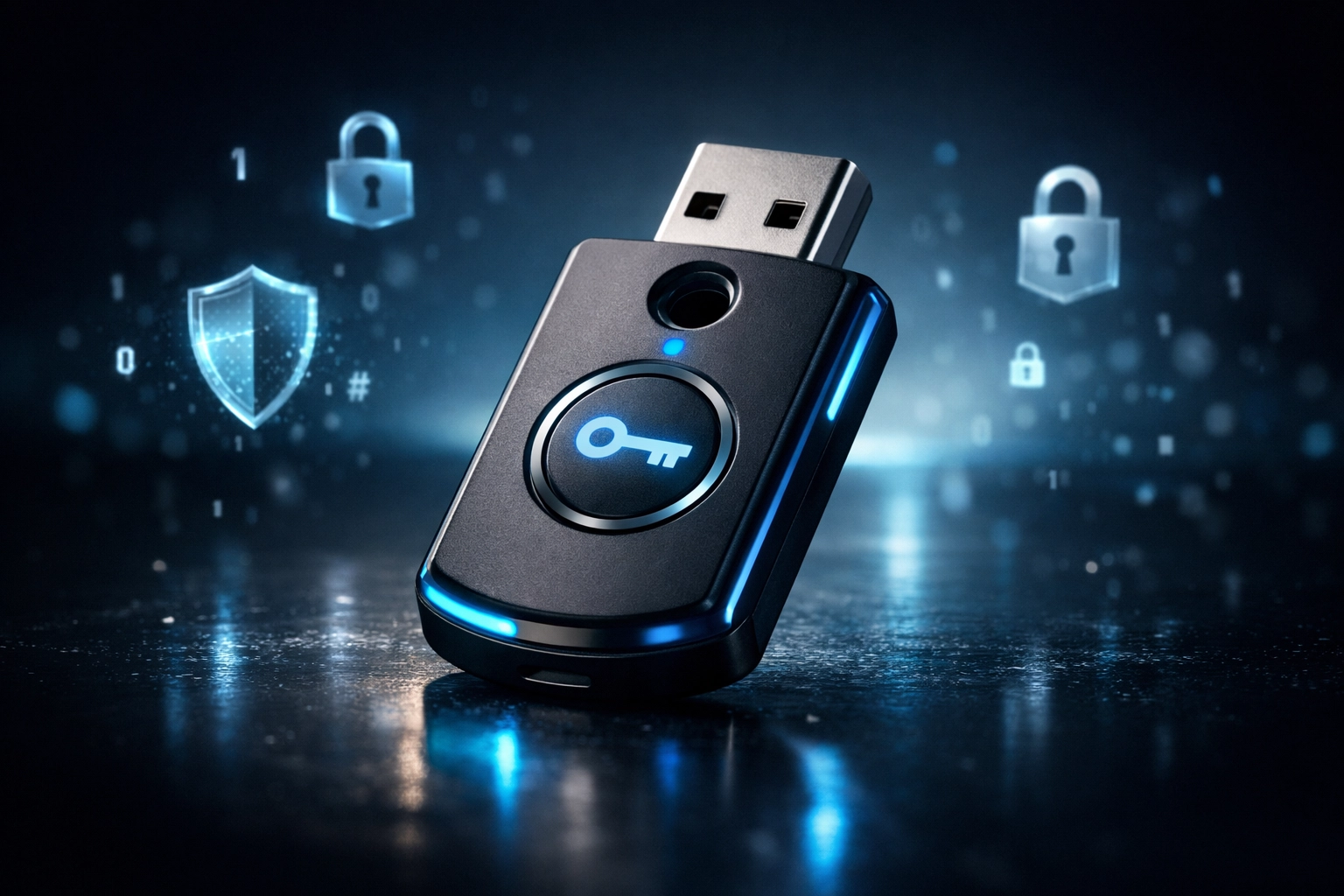
The gold standard methods include:
Hardware Security Keys (like YubiKey or Google Titan Keys) – These are physical USB or NFC devices that you tap or insert to authenticate. Even if a hacker has perfect replicas of your login pages and has compromised every network between you and the server, they cannot complete the authentication process without physically stealing your key.
FIDO2 Authenticators and Passkeys – These leverage the FIDO Alliance standards and W3C's Web Authentication API. Your device (laptop, phone, tablet) becomes the authenticator using biometric data or device PINs. The private key never leaves the device, making it mathematically impossible to phish.
Certificate-Based Authentication – For organizations with existing PKI infrastructure, smart cards and digital certificates provide the same cryptographic security that government agencies rely on.
Keep your focus on this principle: if an attacker can trick you into providing it, it's not phishing-resistant.

Why This Actually Matters for Your Small Business
Strike a balance between understanding the technical details and recognizing the business impact. You don't need to become a cryptography expert: you need to protect your business from the real-world attacks happening right now.
Share this reality with your team: phishing is the #1 attack vector targeting small businesses because it works. Your employees are busy. They're juggling multiple responsibilities. When an urgent-looking email says "Click here to verify your identity or we'll lock your account," they click. When a text message with a verification code arrives, they enter it wherever they're asked.
Phishing-resistant MFA removes the human error element from the equation. Your employees can click the fake link, enter their password on the spoofed login page, and even provide additional information: and the attacker still cannot access your systems because they don't have the physical device or cryptographic key required to complete authentication.
The ClearPath360 Implementation Approach
As you move toward implementing phishing-resistant MFA, use a phased strategy that prioritizes your most critical accounts without disrupting daily operations.
Phase 1: Critical Account Protection – Begin with email accounts and any privileged admin access. These are the crown jewels attackers target first. If your email is compromised, hackers can reset passwords across your entire digital infrastructure.
Phase 2: Financial Systems – Your accounting software, banking access, and payment processing systems should be next. This is where the actual money is, and it's where breaches become catastrophic.
Phase 3: Broader Rollout – Expand phishing-resistant MFA to all user accounts progressively, providing training and backup options to ensure business continuity.
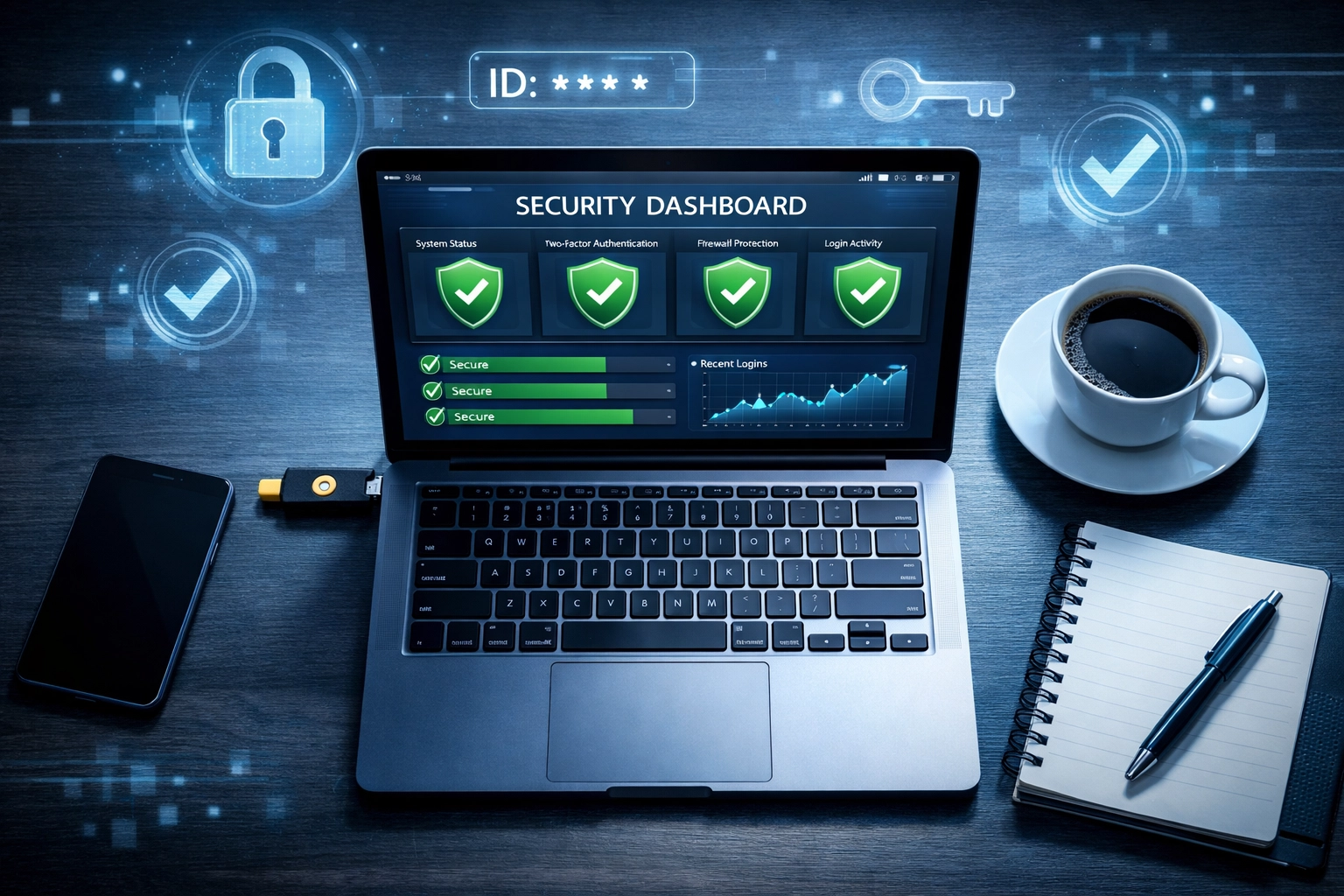
This is where ClearPath360's 360-degree security approach makes the difference. We don't just hand you hardware keys and wish you luck. We assess your current security posture, identify which systems support phishing-resistant authentication, provide implementation roadmaps, and train your team on the new workflows.
Your chance to get this right is now: before the breach happens, not after.
What You Should Do This Week
Keep your language action-oriented. Here's what proactive protection looks like in practice:
Immediate action: Contact ClearPath360 for a security posture assessment. We'll review your current MFA implementation, identify vulnerabilities, and create a prioritized upgrade plan specific to your business operations and budget.
This week: Inventory which systems and accounts are using traditional MFA. Make a list. Understand your exposure.
This month: Begin implementing phishing-resistant MFA for administrative and financial accounts. These should never rely on SMS codes or simple push notifications.
Ongoing: Partner with a managed IT services provider who stays current on evolving threats and authentication standards. Cybersecurity isn't a one-time project: it's an ongoing commitment to staying ahead of attackers.
"The best time to upgrade to phishing-resistant MFA was two years ago. The second-best time is today: before your business becomes the cautionary tale your competitors read about."
The Bottom Line: False Security vs. Real Protection
Employ a reality check here: if you're a small business owner reading this and thinking "We're too small to be a target," you're exactly who attackers are counting on. Small businesses often have fewer security resources but still hold valuable data, making them efficient targets for automated attack campaigns.
The gap between phishable MFA and phishing-resistant MFA is the difference between feeling secure and actually being secure. And in 2026, that gap is where breaches are happening every single day.
ClearPath360 specializes in helping Michigan small businesses close that gap without the complexity or cost you might expect. We handle the technical implementation while you focus on running your business: but with the confidence that your authentication systems can actually withstand modern phishing attacks.
Ready to upgrade from false security to real protection? Let's talk about your specific needs and create an MFA implementation plan that makes sense for your business.
Schedule your security posture assessment today and discover where your current authentication methods might be leaving you exposed. Because the best time to fix a vulnerability is before hackers exploit it: and they're already trying.